The same device can serve different purposes
A connected scale, wearable or home measurement device may show readings on a screen, store them in an app and send them elsewhere. Those features do not, by themselves, tell you whether someone outside the home is reviewing the information. The important distinction is not simply what the device measures. It is where the information goes and what, if anything, a recipient has agreed to do with it.
Self-tracking usually means a person collects information for their own reference. They might look for patterns, make notes or choose to share a summary at an appointment. Remote monitoring generally means information is sent through an arranged service or program for review by another party, such as a care team. A product can support both uses, and its role can change depending on how it is set up.
Where self-tracking data may go
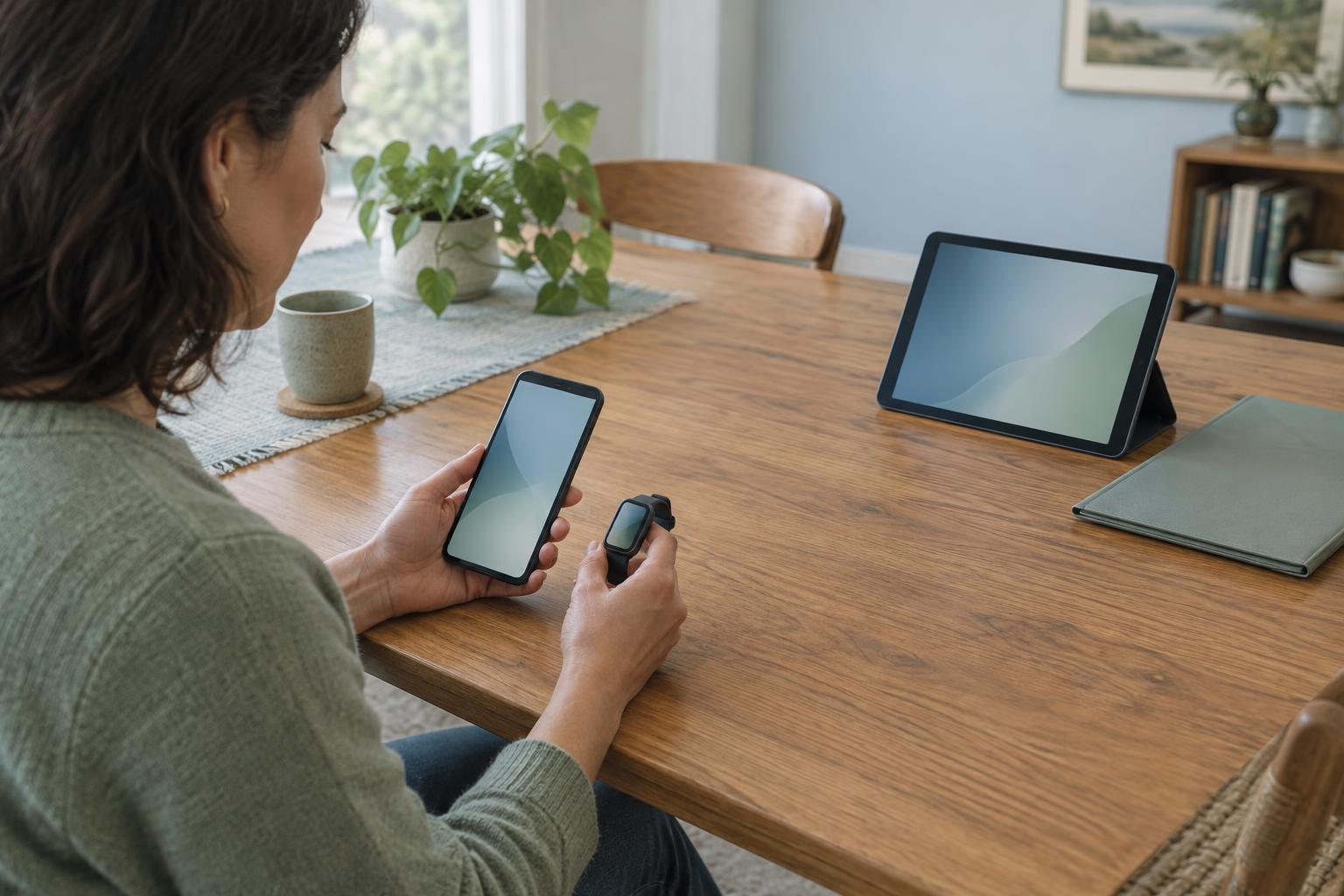
With self-tracking, a reading may remain on the device or be copied to a phone app. If the app uses an online account, some information may also be stored by the company that runs it. The user may be able to export a report or connect the app to another service. Each connection creates another possible destination for the data, so “only I can see it” is worth checking rather than assuming.
Sharing a chart or report with someone does not necessarily create ongoing monitoring. A person who receives a file at an appointment may not see later entries, and an app connection may transfer data without putting it in a queue anyone checks regularly. It helps to separate three questions: Is the information being recorded? Is it being sent? Is someone expected to review it?
What remote monitoring adds
In a remote monitoring arrangement, the device or app typically sends selected information to a designated system. Transmission might happen immediately after a measurement, at intervals, or only when the device connects to a phone or network. The receiving system may organize readings in a dashboard and may flag some of them according to rules set for that program.
Receiving data is not the same as watching it continuously. A team may review a dashboard at scheduled times rather than in real time. An automated alert may go to a particular inbox, prompt a message, or require a person to assess it before any follow-up occurs. These details vary by service. A label such as “connected” or “monitored” is not enough to establish who is on duty, when they look, or how quickly they might respond.
Why a reading might not arrive when expected
Data can take several steps to reach its destination: a device records a value, passes it to an app or hub, and then sends it through an internet connection. A device that has not paired, an app that is not open when required, a depleted battery or a lost connection can interrupt that path. Some systems store readings and upload them later. The time a measurement was taken may therefore differ from the time a recipient can see it.
A useful setup check is to ask what confirms a successful upload. Does the device show a symbol, does the app display a sync time, or can the receiving team confirm a test reading? Also ask what happens during an outage and whether missed transmissions are noticed. Even when an app displays a reading correctly, that does not prove it reached every connected service.
Questions that make the arrangement clear
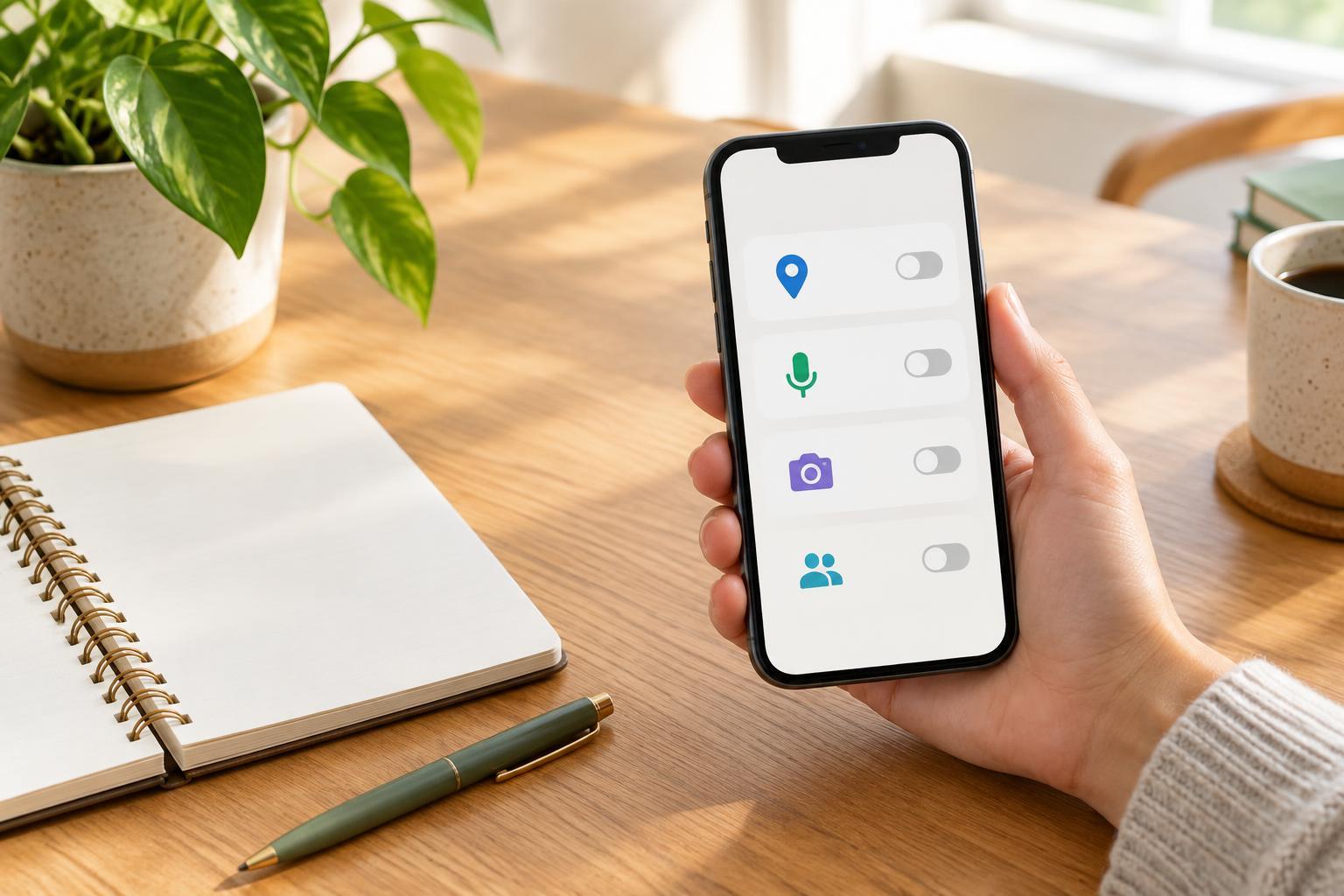
Before relying on a connected product, ask who can access the information: the device user, invited family members, a company account, a service provider or a care team. Find out which readings are shared, whether notes are included, and whether access can be changed or ended. The product’s settings and the service’s own explanation may describe different parts of the same data path.
For a monitoring program, ask when data is reviewed, what prompts an alert, who receives that alert and what response, if any, is expected. Ask how to report a concern when the system is unavailable or no one has replied. Remote monitoring and self-tracking can both be useful ways to organize information, but neither should be mistaken for an always-attended channel. Clear expectations make the technology easier to use and easier to explain to everyone involved.