Start with the places where help may be needed
A personal emergency response device is usually a wearable button or portable unit that lets someone request assistance. Depending on the service, pressing it may connect the user to a monitoring center, a designated contact, or both. It is a communication tool, not a guarantee that help can be reached in every circumstance. Features and response arrangements vary, so it helps to understand the connection a particular system uses.
The first question is where the person expects to use it. Someone who spends most of their time at home may value a simple button that works throughout the rooms and outdoor areas they use regularly. Someone who walks, shops or visits others independently may want a device that can connect away from home. Neither design is automatically better: the useful choice is the one that fits everyday habits and the locations where a request for help would need to get through.
How home-based systems connect
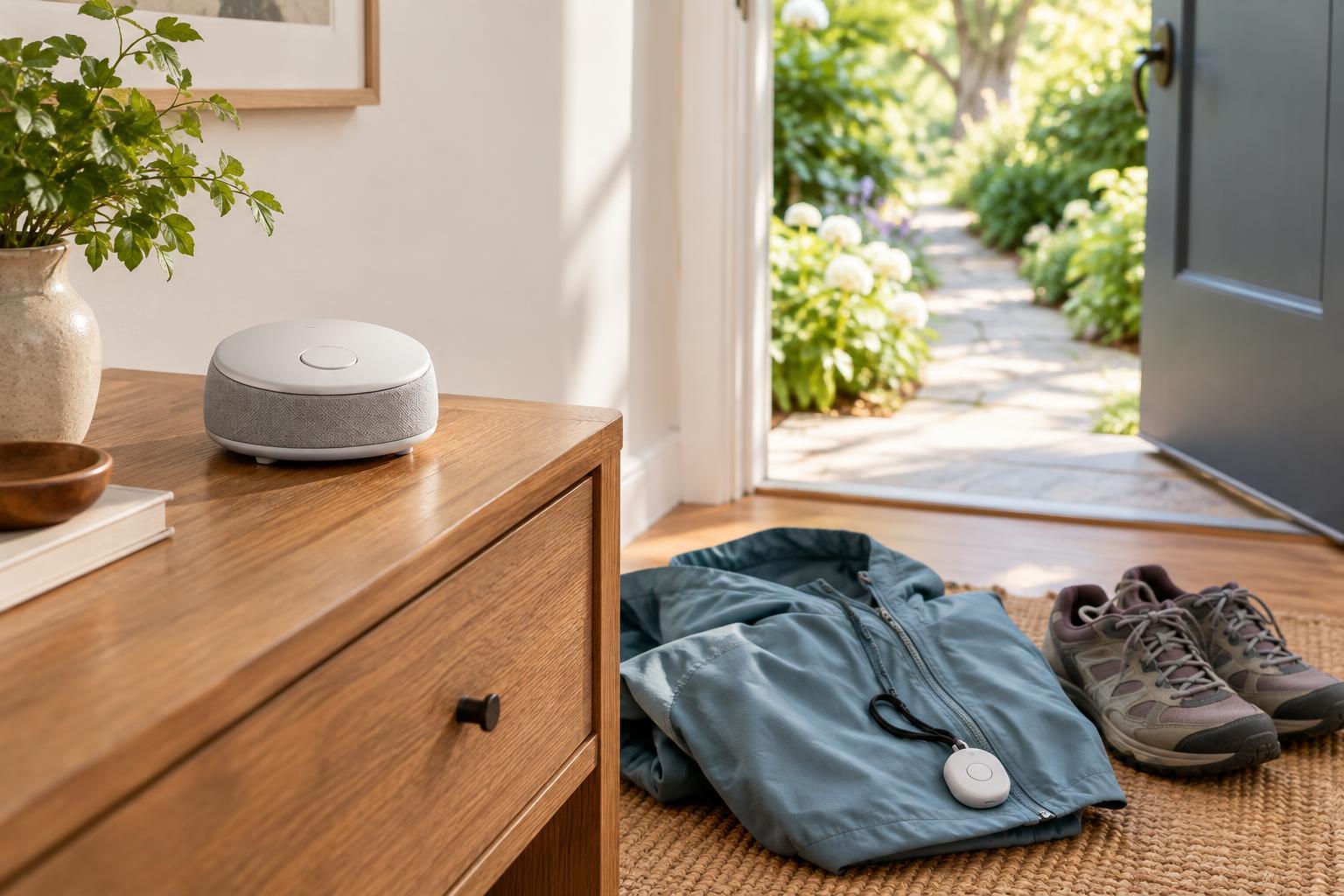
A typical home-based system has a base unit placed in the home and a wearable button that communicates with it over a limited range. The base may use a landline, a cellular connection or, in some products, an internet connection to reach the service. A landline-based model depends on an active, compatible phone line. A cellular-based model depends on suitable signal at the base unit’s location. Internet-dependent features may stop working if the home connection is unavailable.
The button’s range is separate from the base unit’s connection to the outside world. A base can have a good cellular signal while a button fails to reach it from a distant room, garage or garden. Before relying on a system, test the button in the places it is meant to cover, following the provider’s testing procedure. Ask what happens during a power outage, whether the base has backup power and how the system signals that a battery or connection needs attention.
What changes with a mobile device
A mobile emergency response device carries more of the communication equipment with the user. It commonly uses a cellular network to place a request from places beyond the home, provided there is compatible coverage. Some models can share an approximate location to help a responder or contact find the user. Location features may combine satellite signals with other information, and accuracy can vary, particularly indoors or where signals are obstructed.
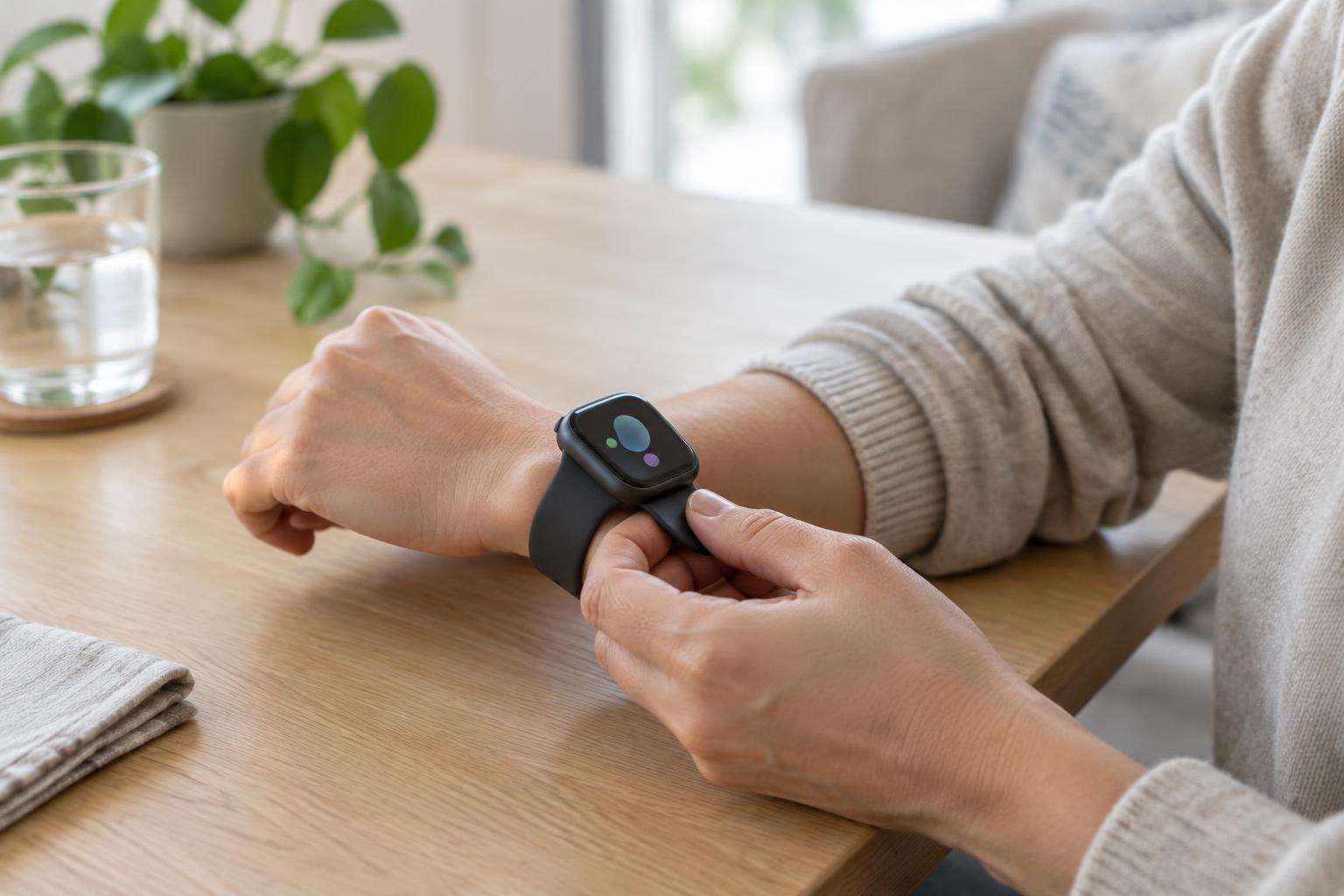
Mobility introduces a different routine. The device must be carried or worn and usually charged regularly. A device left on a bedside table, or one with an empty battery, cannot help during an outing. Before choosing one, consider whether its size, weight, controls and charging method suit the person’s daily habits. Ask the provider which network the device uses, where it is expected to work, what it does when coverage is poor and whether the user can make a test call from commonly visited places.
Look beyond the connection type
Two devices with similar connectivity can still work differently. Some include automatic fall-detection features, but these may not recognize every fall and may also trigger when no help is needed. They should not replace an accessible manual button. It is also worth checking whether the device supports two-way conversation, how clearly its speaker can be heard, and what occurs if the user cannot speak after an alert.
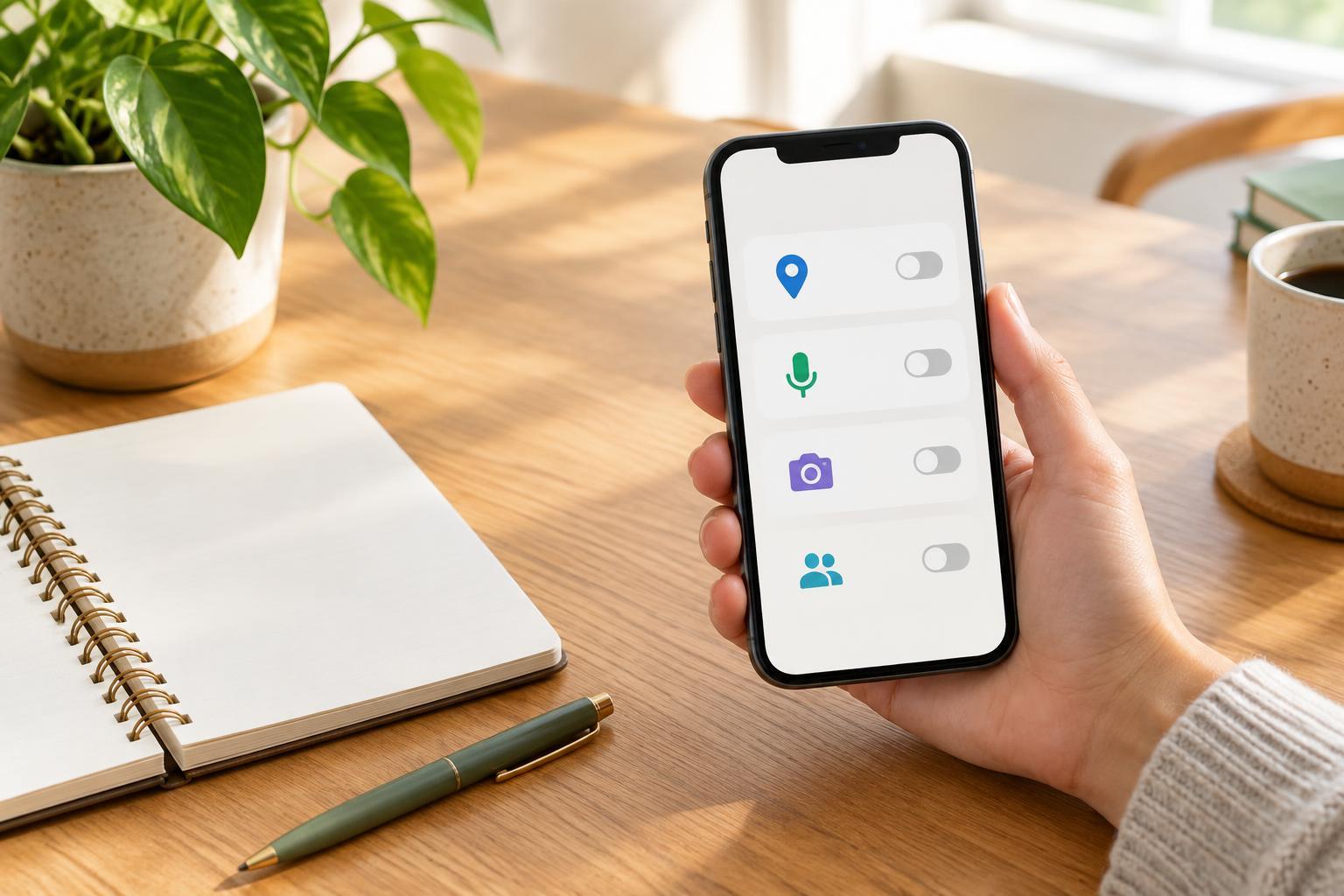
The response process matters as much as the hardware. Find out who receives an alert, what information they see, how contacts are called and how accidental activations are handled. If the system stores location details or shares activity notifications, ask who can access that information and what settings the user can control. Costs may include equipment, installation, monitoring and cancellation terms; a clear written description makes systems easier to compare without assuming that a higher price means a better fit.
Choose for the routine, then practice it
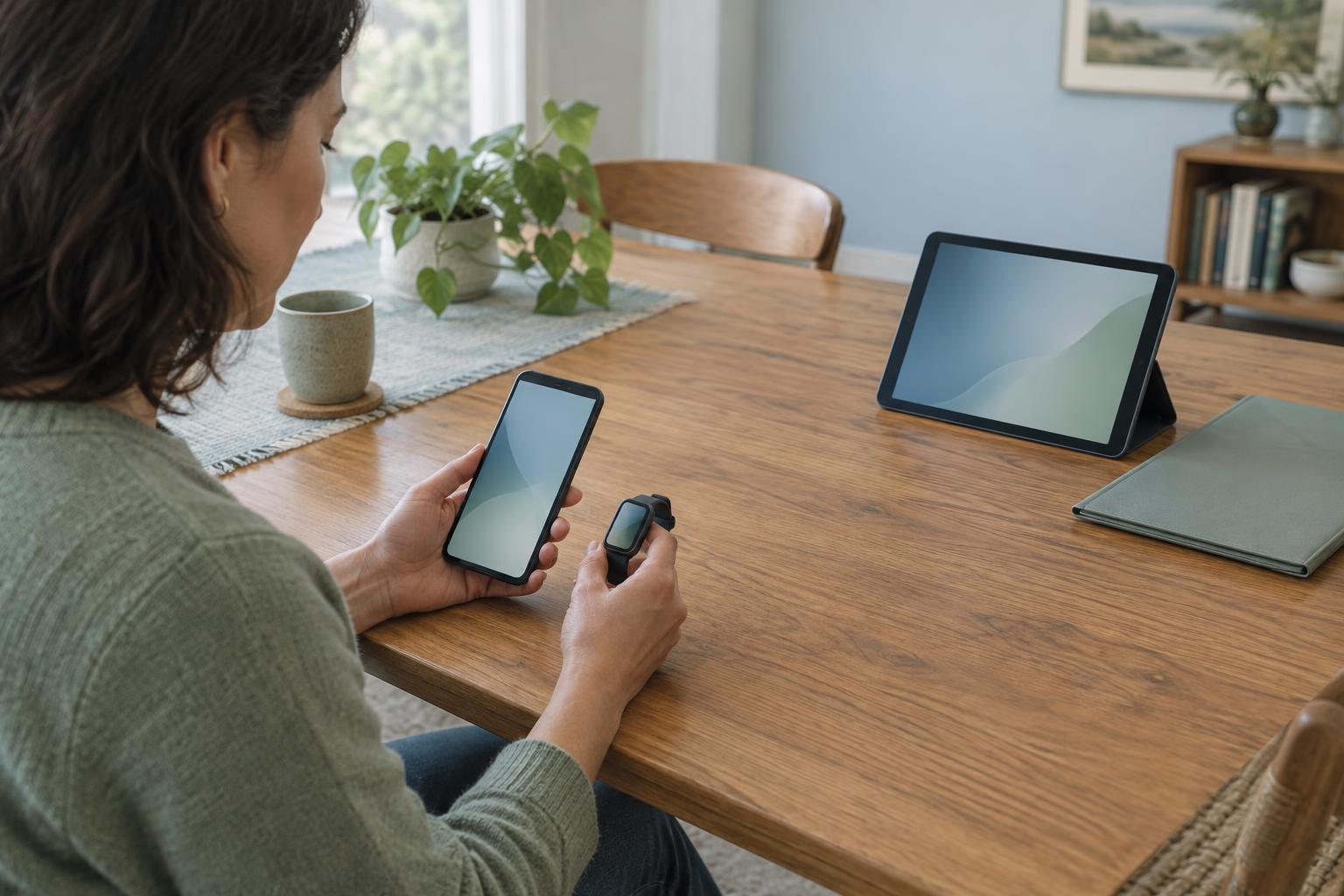
A useful comparison starts with a short list of real situations: being in the bathroom, working in the garden, taking a regular walk or visiting a place with weak phone reception. For each, ask whether a home-based or mobile device could connect, whether it would be within reach, and what the person would need to do to send an alert. This turns a list of features into a practical picture of use.
Once a device is set up, test it as instructed and make sure everyone involved understands the response plan. Keep contact information current, notice low-battery or connection warnings, and revisit the choice if routines change. A home-based system may be sufficient for a mostly home-centered routine; a mobile device may suit frequent trips outside. In either case, the most valuable features are the ones the user can comfortably maintain and use.