The sensor notices a change
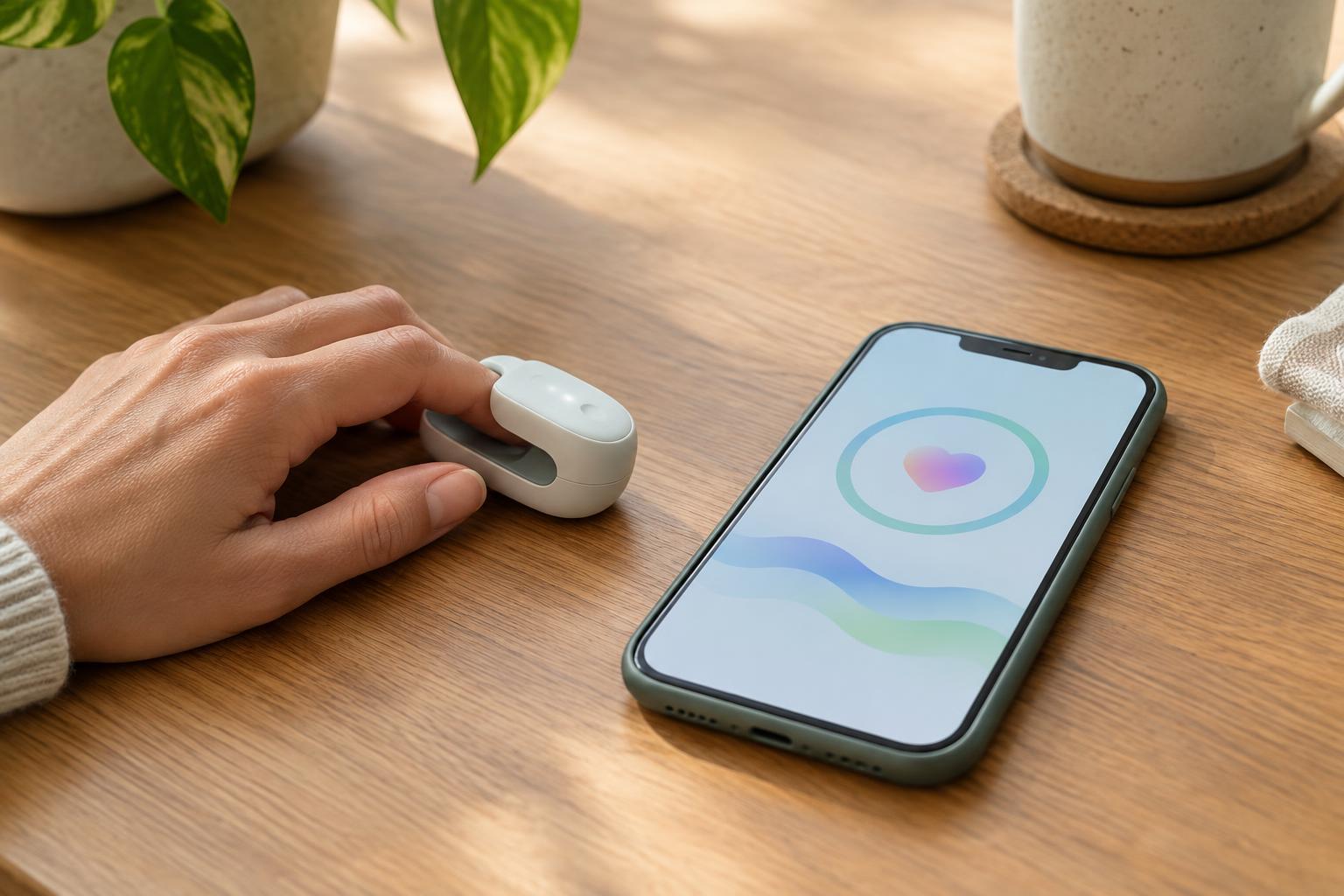
A connected health device begins with a sensor: a component that responds to something in its surroundings. Depending on the product, it might detect movement, pressure, temperature or light. The sensor does not send a complete explanation of what is happening. It produces a signal that the device can measure and process.
Consider a wearable that counts steps. Its motion sensor detects changes as the wearer moves. Software in the device interprets patterns in those signals and estimates which movements count as steps. Other products use different sensors and rules. This distinction matters: the figure on the screen is usually a processed result, not a direct view of the physical world. How it is calculated depends on the device.
The device prepares information to send
A small processor inside the device turns sensor signals into information the product can use. It may discard signals that do not fit its rules, combine measurements or attach a time to a reading. Some devices show the result on their own display; others rely on an app. The device may also store recent readings until it has a connection.
Power and settings affect this stage. A low battery can interrupt recording or syncing, while a paused measurement setting may leave an expected gap. The device’s instructions can help distinguish between a feature that records continuously and one that requires the user to start a reading. Knowing which is which makes an empty app screen less mysterious.
A connection carries the data
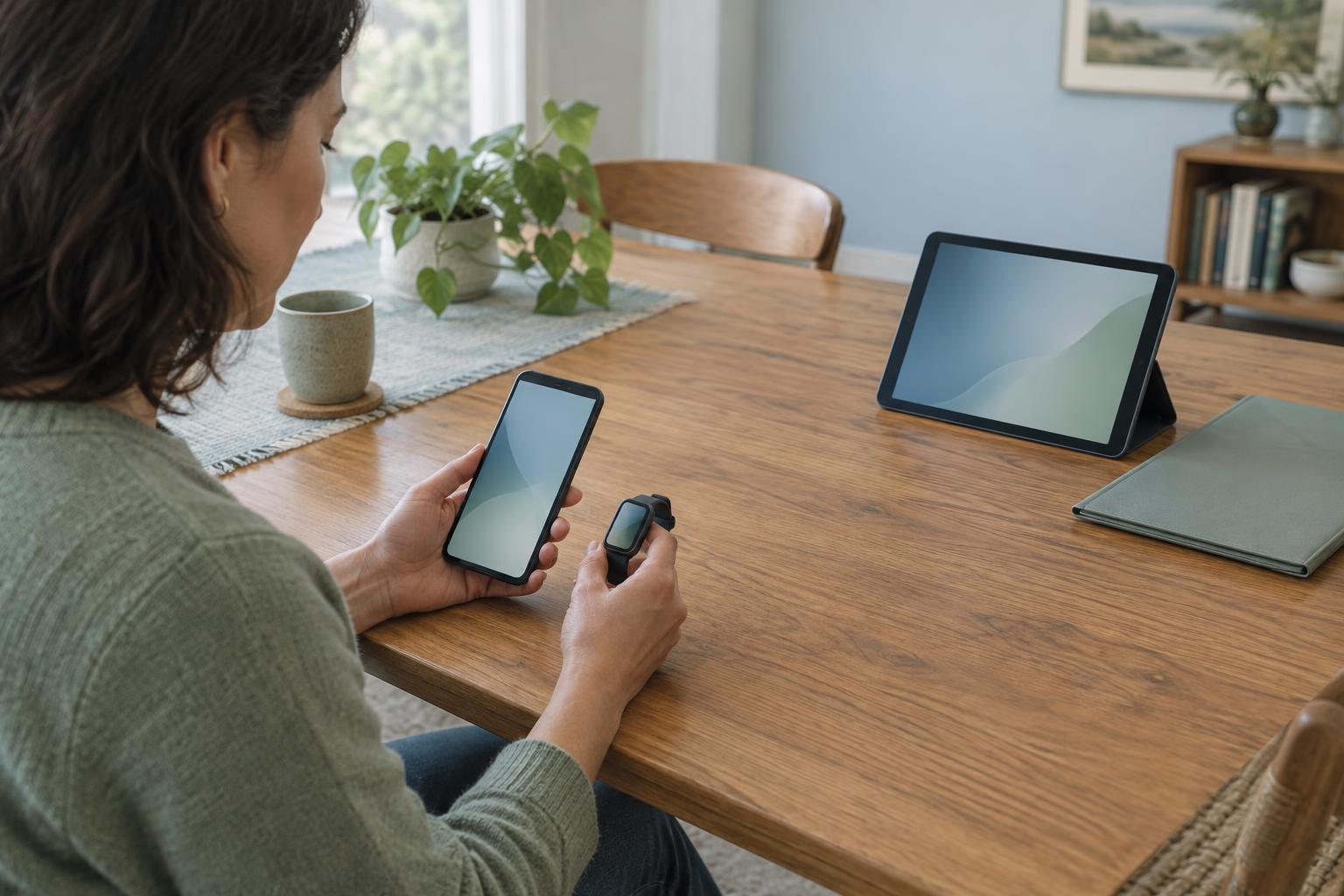
Many connected devices send information to a nearby phone using Bluetooth. Pairing is the setup step that lets the phone and device recognize each other. Once paired, they may reconnect automatically when both are on, close enough and allowed to communicate. Some products instead use Wi-Fi or connect through another hub. The exact route depends on the product.
A reading does not always appear instantly. A device might save it and sync later, or its app might need to be open before a transfer begins. Distance, a depleted battery, disabled wireless settings or app permissions can also prevent a transfer. If information seems to be missing, it helps to check whether the reading appears on the device, whether the phone is connected and when the app last synced. These checks address different parts of the route.
The app organizes what arrives
After receiving information, an app may display the latest reading, arrange past readings by time or turn repeated measurements into a chart. It may add labels, reminders or notes entered by a person. These features can make information easier to review, but they can also make an estimate look more precise than it is. A tidy graph is still based on the measurements and processing that came before it.
The app’s number may not match what the device displayed earlier. One screen might show a live estimate while the other shows a saved result; the app might also group readings into a daily total. Checking the label, unit and time period is often more useful than comparing numbers alone. For shared devices, it is also worth confirming that the app has assigned the reading to the intended person.
Know where information goes next
The phone is not necessarily the end of the journey. Depending on the product and its settings, an app may keep information on the phone, back it up to an online account or share it with another app or person. This can help someone view their information across devices, but it also creates choices about access. A connection between a sensor and an app does not, by itself, mean that a care team receives the data.
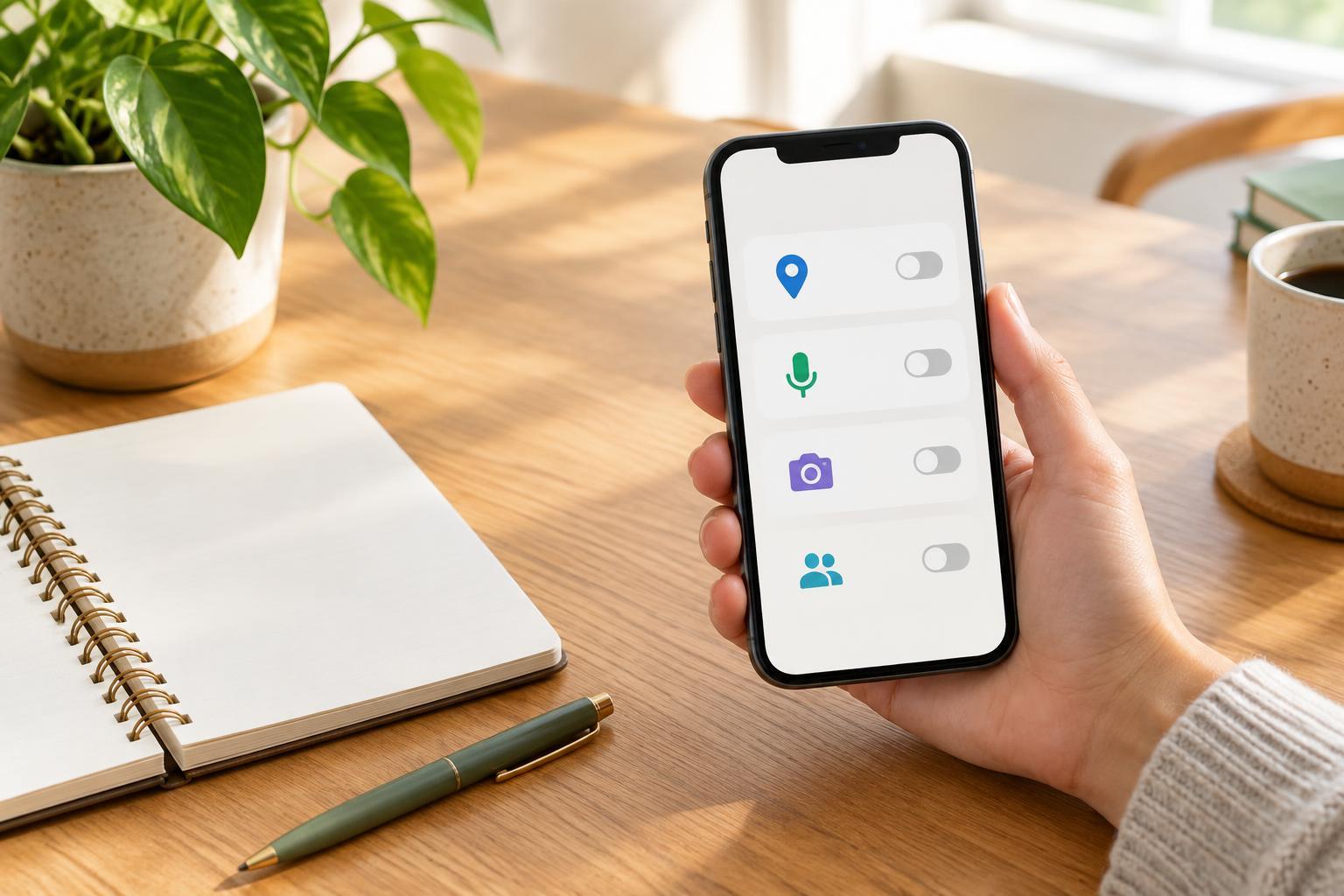
Before relying on a connected device, take a few minutes to look at its account, sharing and notification settings. Check who can see the information, whether an internet connection is needed for the features you want and what happens when syncing fails. If a reading seems unexpected or important, use the device’s instructions to check that it was used as intended rather than assuming the app explains the result. Understanding the path from sensor to screen makes the technology easier to use and its limits easier to recognize.