Look beyond the door opening
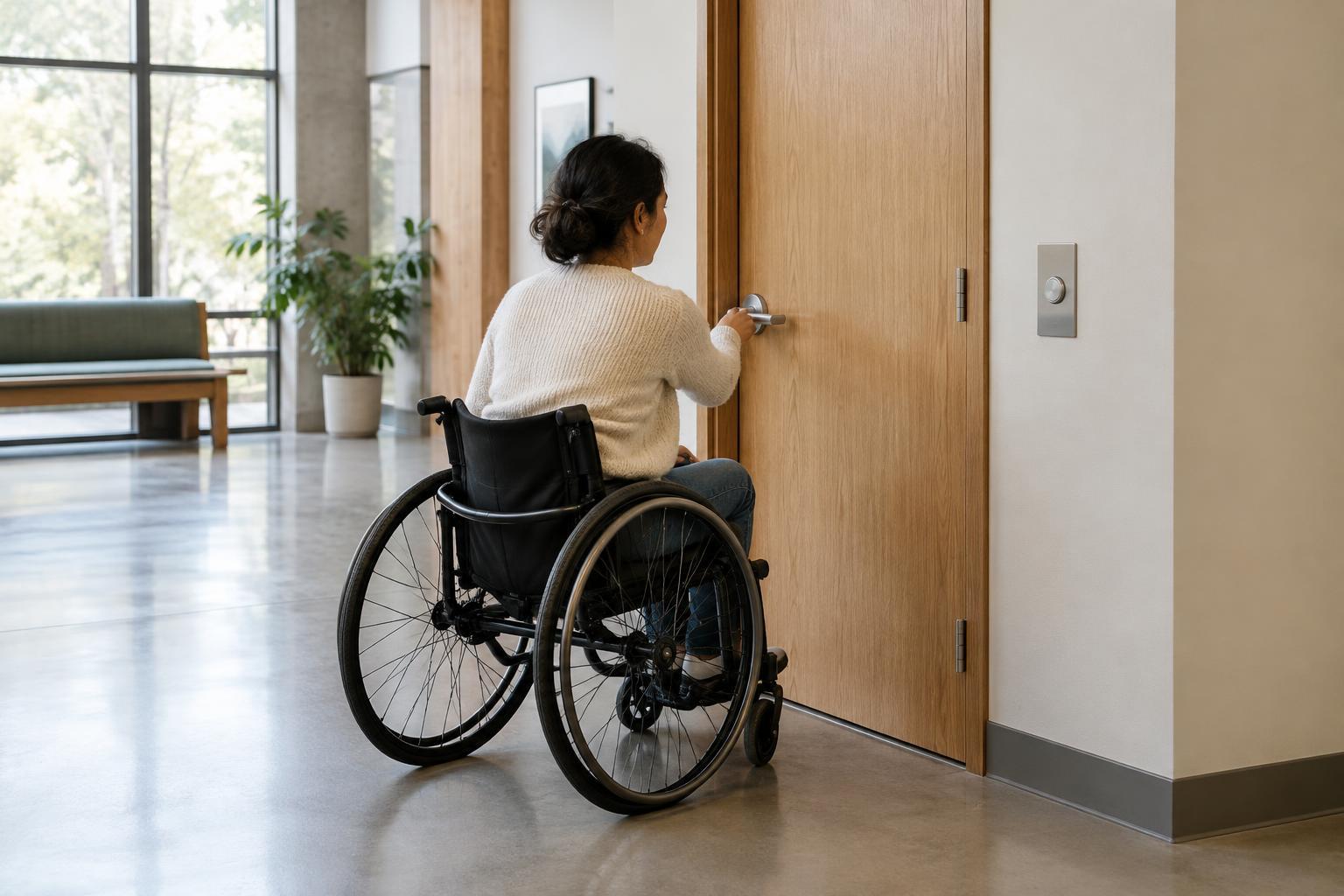
When reviewing an accessible space, it is easy to focus on doorway width and overlook the steps required to use the door. A person must be able to approach it, find the handle or control, operate it, and move through while the door is open. Each step can present a different obstacle, especially for someone using a mobility aid, carrying belongings or assisting another person.
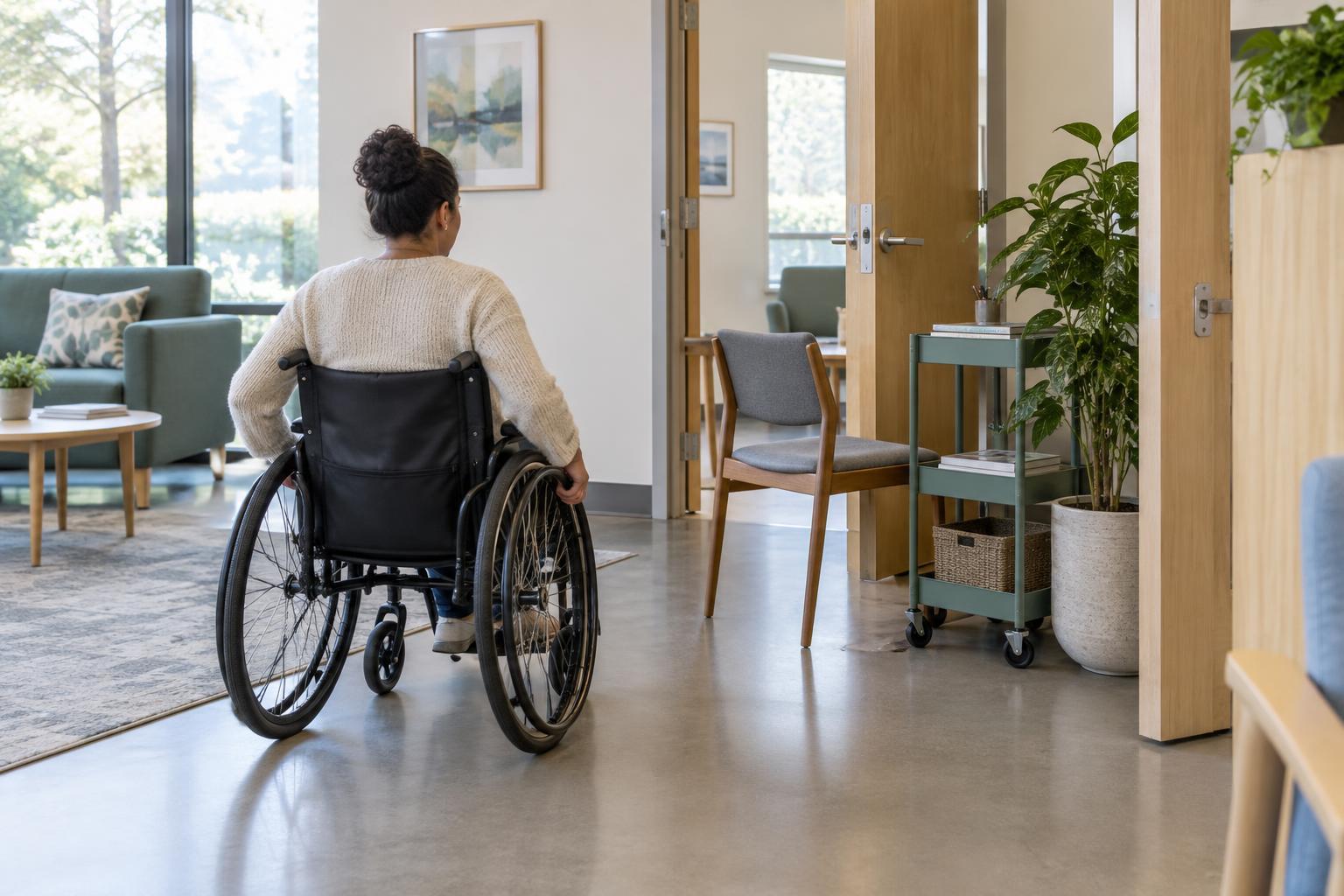
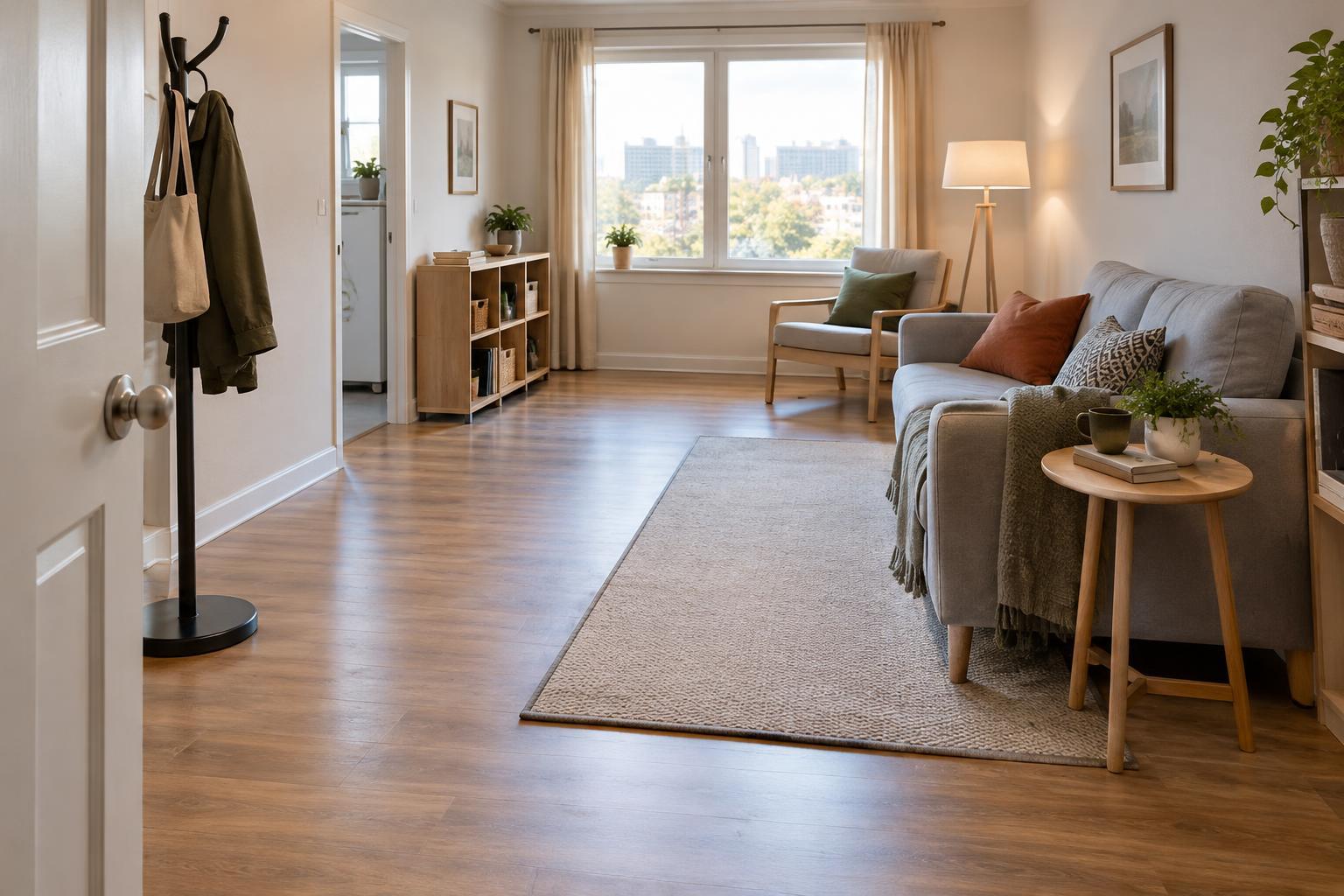
The area beside the door matters as much as the door itself. Furniture, bins and stored equipment can block the approach or leave too little room to maneuver. A handle positioned within reach may still be awkward if a person has to stretch around an open door or pull it toward their body while moving backward. Watch how the door works from both sides and in both directions of travel.
Choose hardware that is simple to operate
A handle that can be used with a relaxed hand is generally easier for a wider range of people than one that requires a firm grip, precise finger movement or a twisting motion. Lever handles are often useful for this reason, though their shape and resistance still matter. A small or stiff lever can remain difficult to use, while a projecting lever may catch clothing or bags.
Consider the whole action, not just the handle. A heavy door, strong closer, difficult latch or lock that requires several coordinated movements can make otherwise suitable hardware frustrating. Where a door must close reliably, the aim is to balance that need with an opening effort people can manage. Hardware decisions should also account for privacy, security and safe exit; the appropriate solution will depend on the setting and applicable requirements.
Place controls where people can approach them
Push plates, access readers, intercoms and door-release buttons should be reachable from a stable position. Mounting a control at a convenient height is only part of that decision. Someone also needs room to get close without a chair, counter or door swing in the way. Controls set deep into a corner or behind a fully open door may be hard to use even if they appear accessible on a plan.
Think about what happens after activation. If a powered door begins opening toward the person using a button, they may have to move quickly to get out of its path. If it opens away, they may need enough time to reach the opening before it closes. Clear placement, a predictable door movement and a suitable delay can reduce confusion. Where several controls are grouped together, spacing and labels should make their different purposes apparent.
There is no single placement that works for every person or every building. Reviewing the approach from seated and standing positions, and considering people of different heights, can reveal problems that a measurement alone misses. For new work or alterations, check the relevant local accessibility and building requirements rather than relying on a general rule of thumb.
Make the next action easy to understand
People should be able to tell which part of a door to use and what will happen when they use it. A handle that stands out from the door surface can be easier to locate. Clear contrast around buttons, readable labels and consistent control positions also help people recognize the intended action without having to stop and search.
Instructions are most useful when they are brief and placed at the point of use. For example, a label can clarify whether a button releases a lock or opens a powered door. Avoid relying on color alone to explain a control: wording, shape or a familiar symbol can provide another cue. In spaces where visitors may arrive under stress or be unfamiliar with the layout, predictable operation is especially valuable.
Test the route and keep it working
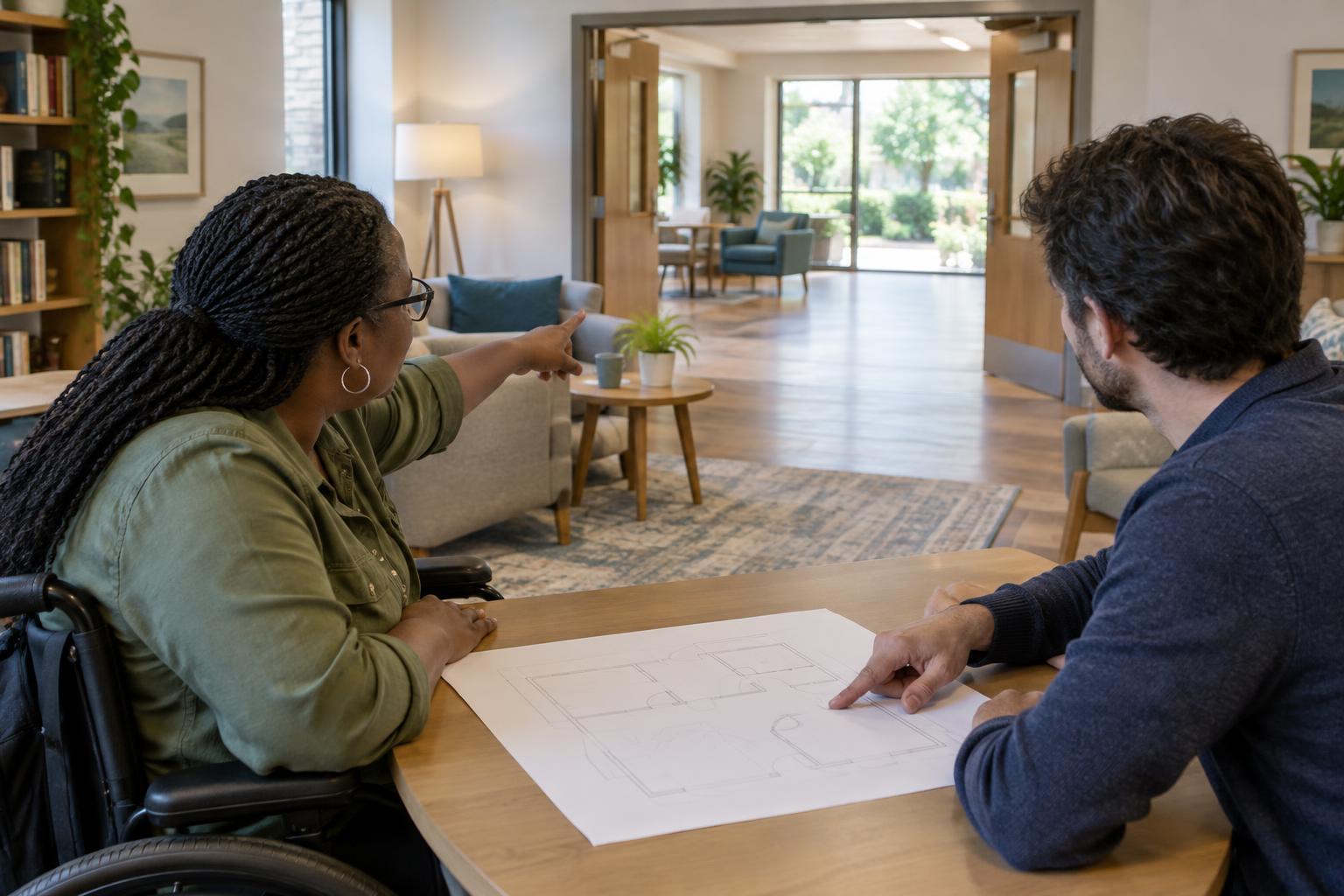
A useful review follows the route a person actually takes. Approach the door from each side, reach for the hardware, open it, pass through and close it if needed. Repeat with a bag or other everyday item in hand. Invite people with different ways of moving and using controls to describe what works and what does not; their observations may uncover issues that are easy to miss during a visual inspection.
Accessibility can change after installation. A mat may interfere with door movement, a closer may need adjustment, or a newly placed object may block a button. Include doors and controls in routine checks, and provide a straightforward way for users to report difficulties. Small, timely changes to placement, labeling or maintenance can make the route easier to use without redesigning the entire space.