Start with the appointment, not the paperwork
An appointment away from home can involve unfamiliar directions, new forms and details that are hard to recall on the spot. A portable information folder gives you one place to keep the information you may need. It does not have to contain every document you own. Its purpose is to help you find the right detail when someone asks for it, without searching through a bag or phone.
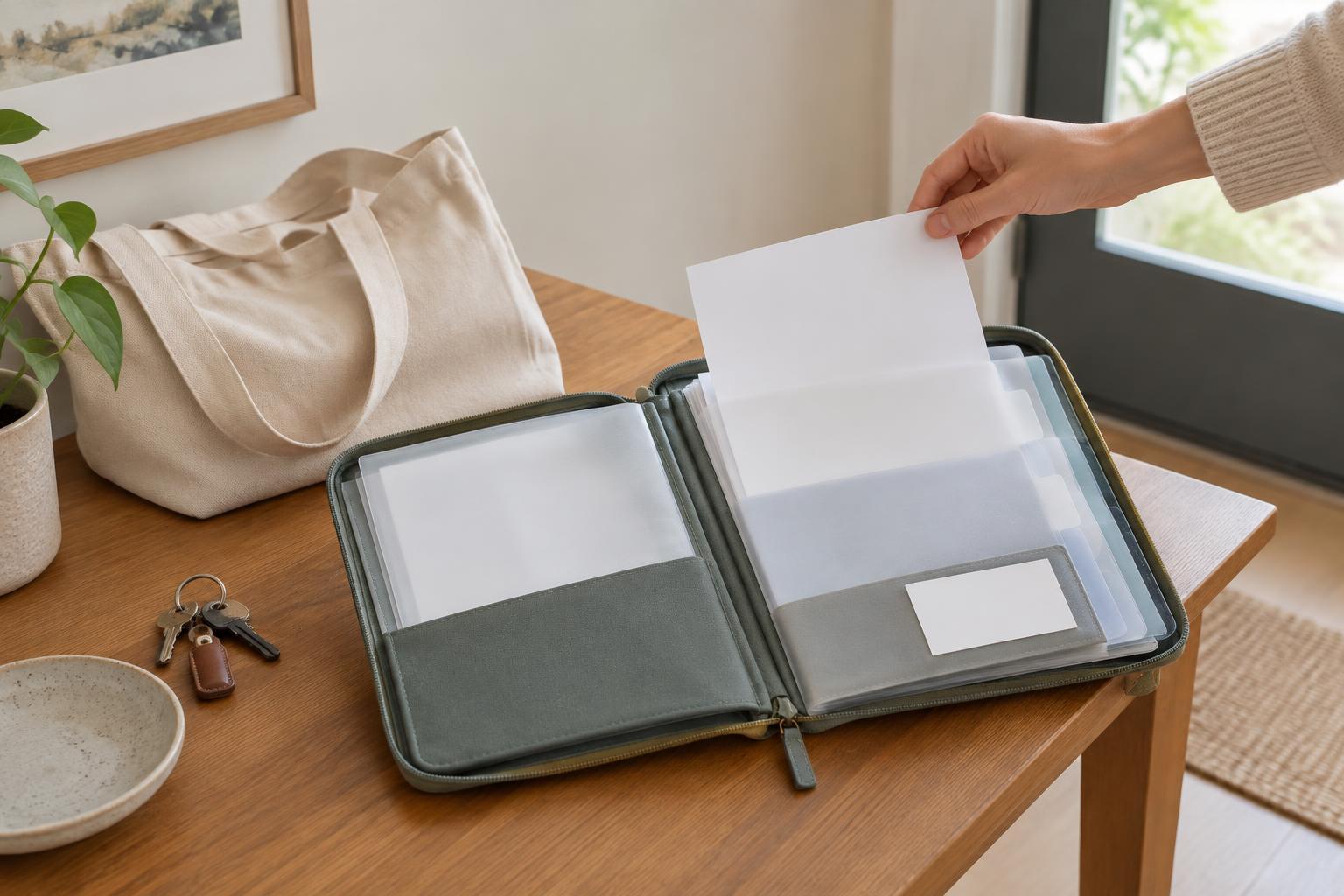
Before filling the folder, think through the visit from arrival to departure. What might you need at check-in? What would help you explain the reason for the appointment? What information might you want to bring home? Those questions can guide what earns a place in the folder. A slim binder, document wallet or envelope with labeled sections can all work; choose something you can carry and open comfortably.
Put the most useful details first
Place a one-page overview at the front. It might include your name, preferred name, the appointment location and time, the reason for the visit in your own words, and a contact person if you want one listed. Leave room for the questions you want to ask. Short phrases are often easier to scan than dense notes, especially when an appointment feels rushed.
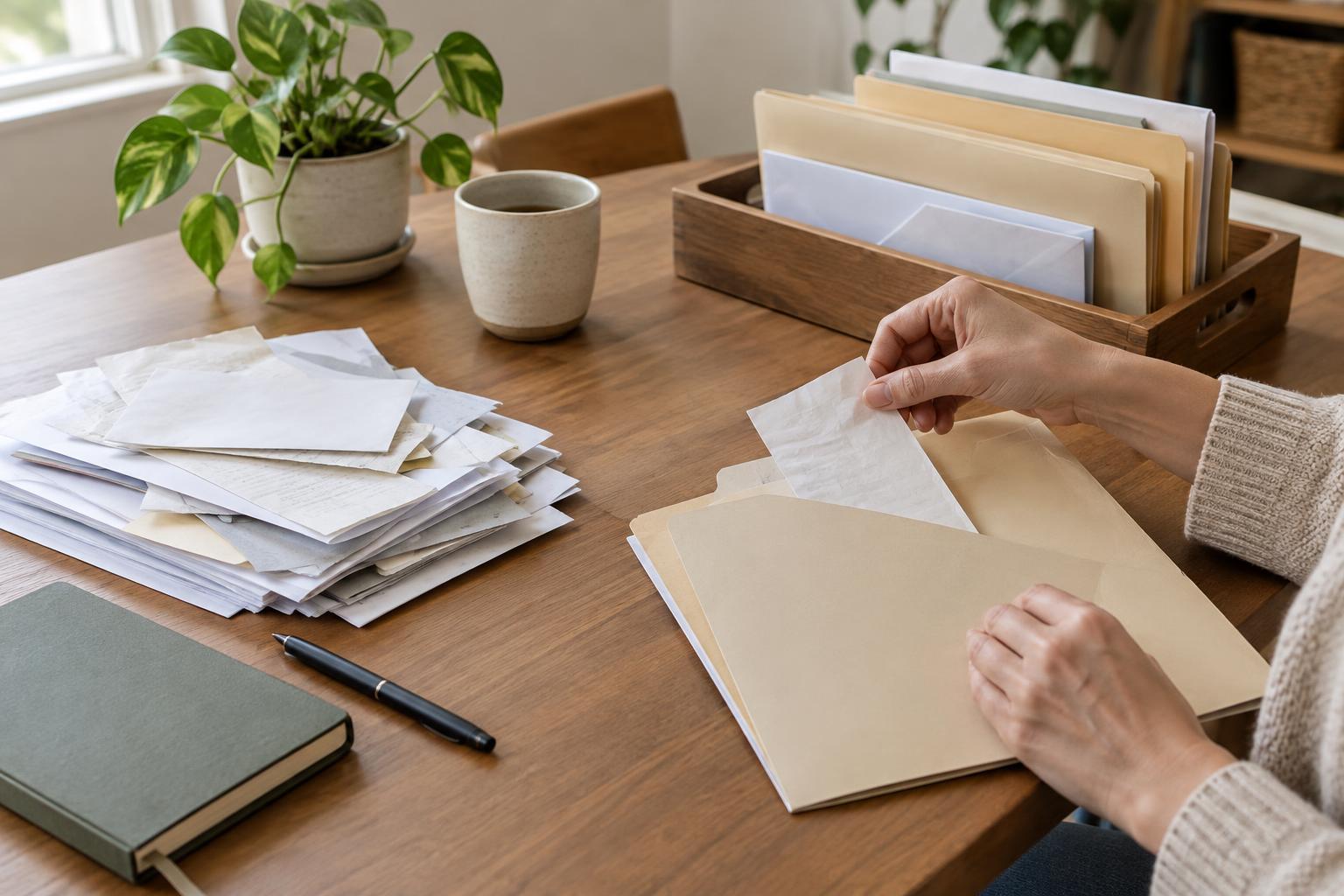
Behind that page, group documents by purpose rather than by when you received them. Useful sections may include appointment letters and directions, identification or coverage details requested for the visit, forms to hand in, and relevant records you have been asked to bring. If you keep a list of medicines, allergies, devices or accessibility needs, make sure it reflects the information you want to share. There is no need to add sensitive material merely because space is available.
Reserve an empty section for papers you receive during the visit. Keeping new documents separate from those you brought makes it easier to notice follow-up instructions, contact details or tasks you want to clarify before leaving.
Make the folder easy to use in an unfamiliar place
A folder is most helpful when another person can locate an item without learning your entire filing system. Use broad labels such as “Visit details,” “Questions,” “Forms” and “Take-home papers.” Large, readable text and consistent labels can make the folder easier to use under time pressure. If loose sheets tend to slip out, use pockets or clips; if turning pages is difficult, avoid overfilling a binder.
Prepare a small appointment card or front-page note with travel details: the address, entrance or check-in instructions you have been given, and any transport arrangements you need to remember. Keep this separate from personal records so you can show directions without exposing private information. If someone is accompanying you, agree beforehand which details you are comfortable asking them to help find or discuss.
Protect what you carry
Portability comes with a trade-off: a folder can be misplaced. Carry only what is likely to be useful for that visit, and consider using copies when originals are not required. If an office has asked for a particular original document, check its instructions before you travel. Avoid keeping passwords, full account credentials or unrelated personal records in the folder.
A digital copy can serve as a backup if it is practical for you, but it should not be the only way to access essential appointment details when a device might run out of power or a connection might fail. If you store files on a device or share them with a companion, use the privacy settings available to you and consider who can see them. For paper, a closed wallet or bag pocket is usually more discreet than carrying loose pages.
Build in a short reset after each visit
A folder stays useful when it is easy to maintain. After an appointment, take a few minutes to remove duplicate pages, place new papers in the right section and write down any questions you still have. Keep a clear distinction between your own notes and information given to you at the appointment, so you can tell them apart later.
Before the next trip, check the appointment details, replace outdated pages and confirm that any forms you plan to bring are the right ones. If your folder becomes bulky, keep older material safely at home and carry only the portion relevant to the upcoming visit. The best system is one you can review quickly and use with confidence, whether you are traveling alone or with support.