Start with a place to collect everything
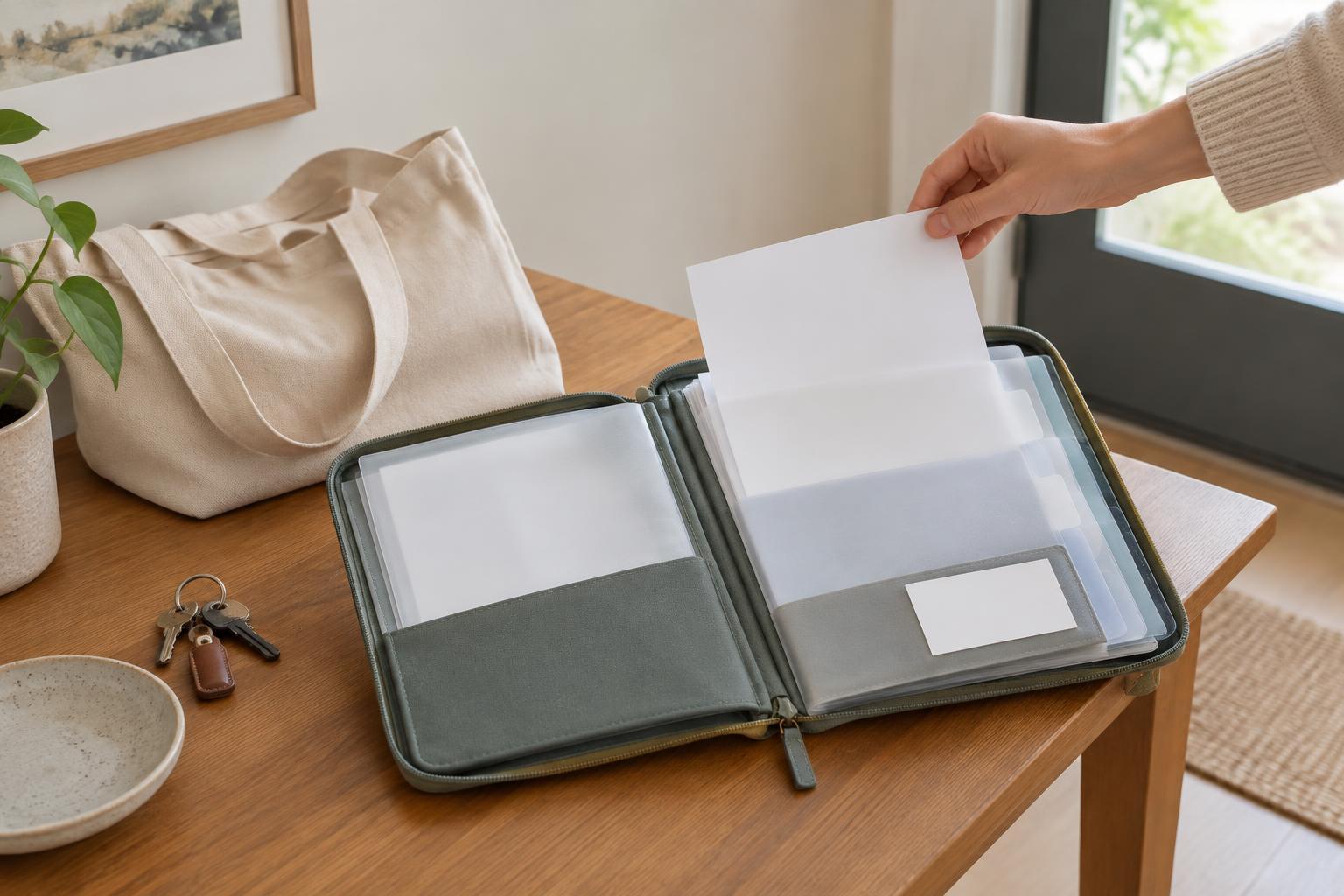
Care-related paperwork is easier to manage when it has one landing place. Choose a folder, tray, or envelope for paper, and a dedicated folder for digital documents. The first goal is not to sort every item perfectly. It is to keep a bill on the kitchen counter, a receipt in a coat pocket, and an emailed statement from becoming three separate searches later.
If several people help with appointments or administration, agree on where new documents go and who will review them. Keep the system simple enough for someone else to understand: label folders plainly and avoid categories that depend on remembering why an item arrived. Before sharing documents, consider whether they contain personal information that the other person needs to see.
Sort by what needs to happen next
An action-based system is often more useful than a large set of folders. Try three groups: “To review,” “Waiting for a reply,” and “Finished.” A new bill or letter goes into “To review” until someone has checked what it says. If you have sent a question or requested a correction, move it to “Waiting for a reply.” Once no further action is needed, place it with your stored records.
Give each item a brief note about its status. On paper, a sticky note can say what you need to ask and when you last contacted someone. For digital files, use a short note in a document or spreadsheet. Keep the original bill or message intact so your reminder does not obscure dates, reference numbers, or other details. A visible next step is more helpful than a pile labeled simply “important.”
Make related documents easy to find together
Bills, payment confirmations, receipts, and correspondence may refer to the same appointment or purchase but arrive at different times. Grouping them by provider, service, or calendar year can help you reconstruct what happened. There is no single correct filing method; choose the one you are most likely to use consistently. A small number of clearly named folders is usually easier to maintain than an elaborate system.
For digital copies, use descriptive file names such as “Provider name - bill - month year” or “Product name - receipt - month year.” Scanning or photographing a paper receipt can provide a convenient reference, especially if its printing fades. Check that the image is readable before putting the paper away. If you need to keep an original for a particular purpose, a digital copy may not replace it.
Keep a short record of questions and payments
A basic log can reduce repeated work. For each item that needs attention, record the sender, the date received, what it concerns, any stated due date, and the next step. When you make a payment, note the date and confirmation number if one is provided. When you ask a question, note whom you contacted and the response you received. This is an organizational record, not a substitute for the original documents.
Before acting on a bill, check that the name, service or product description, and amount match what you expect. If something is unclear, keep the bill in “To review” or “Waiting for a reply” while you seek an explanation from the sender. Avoid marking an item “Finished” merely because you opened it. Its status should reflect whether the question, payment, or other task has actually been resolved.
Build a routine that protects privacy
Set aside a regular, manageable time to review the landing place and update your log. A short session can be enough to identify time-sensitive mail, file completed items, and list questions for a later call. If paperwork is shared among helpers, a simple handoff note can show what has been done without relying on memory. The best routine is one that still works during a busy week.
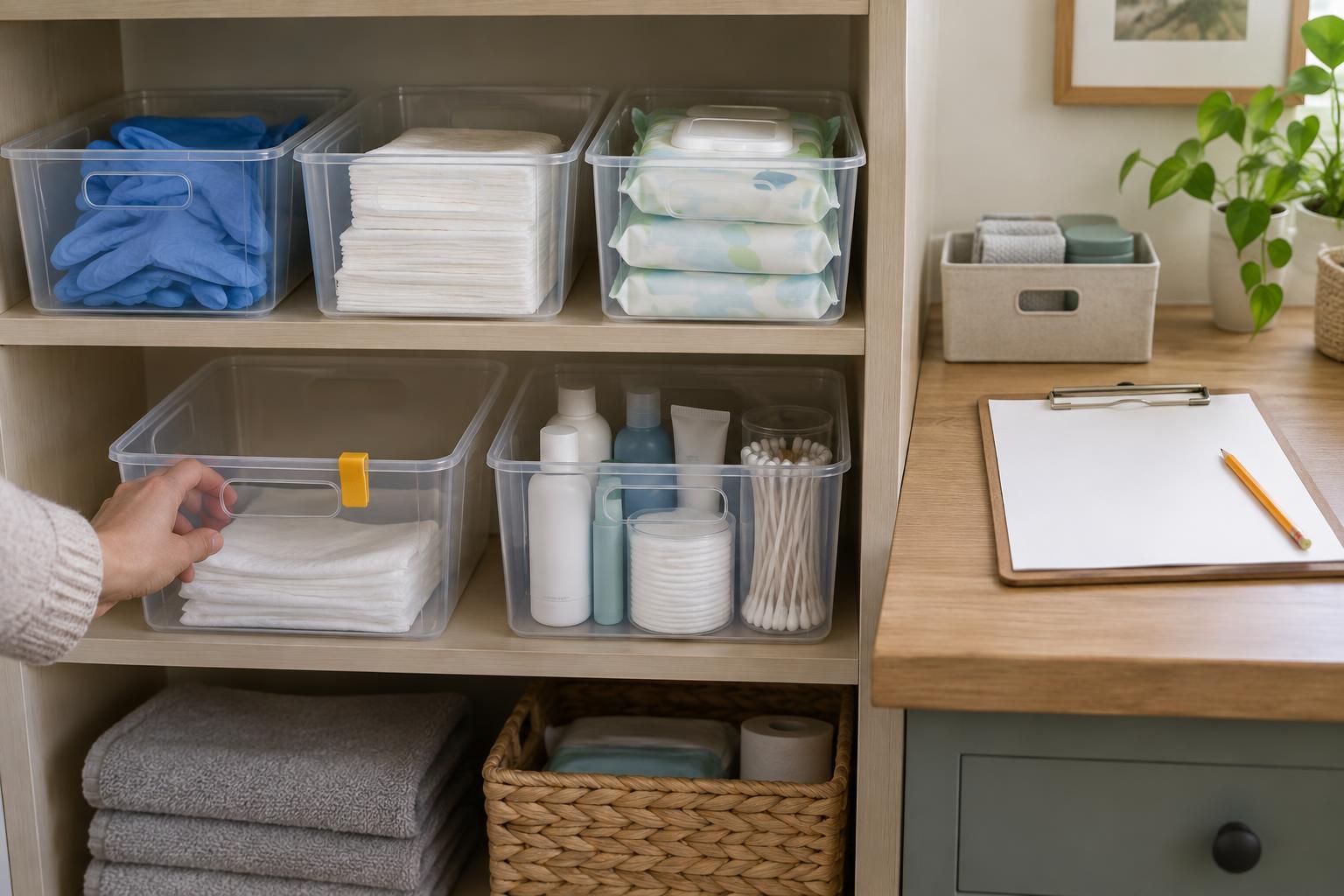
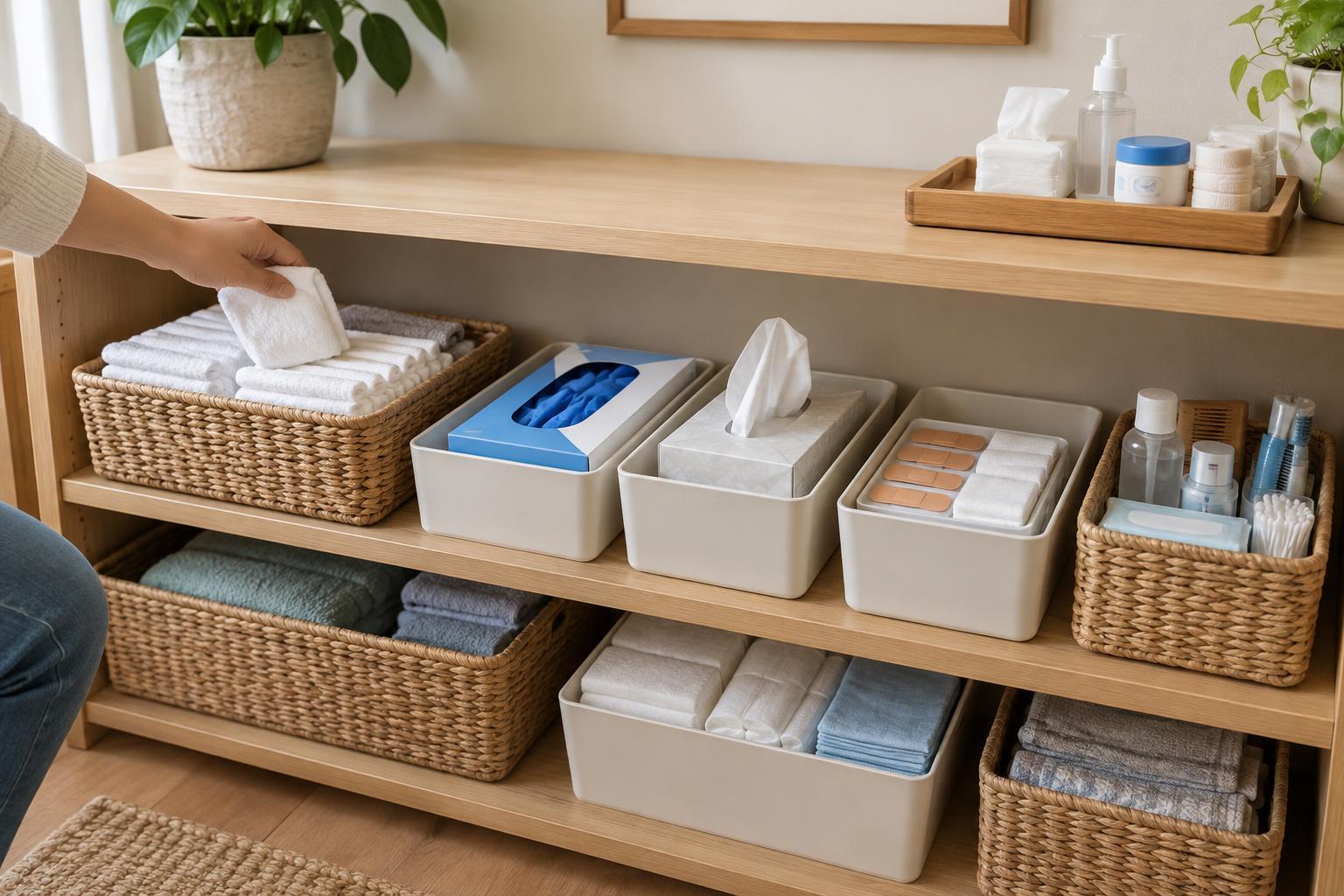
Store paper records away from casual view, and protect digital files with appropriate device security and account settings. Be cautious about putting detailed personal information in a shared calendar or message thread. When discarding documents, consider whether they contain identifying details. Periodically clear out duplicates and review what still needs to be kept, while checking any record requirements that apply to your circumstances. An orderly system should make information accessible to the right people, not to everyone.