Start with a device-by-device routine
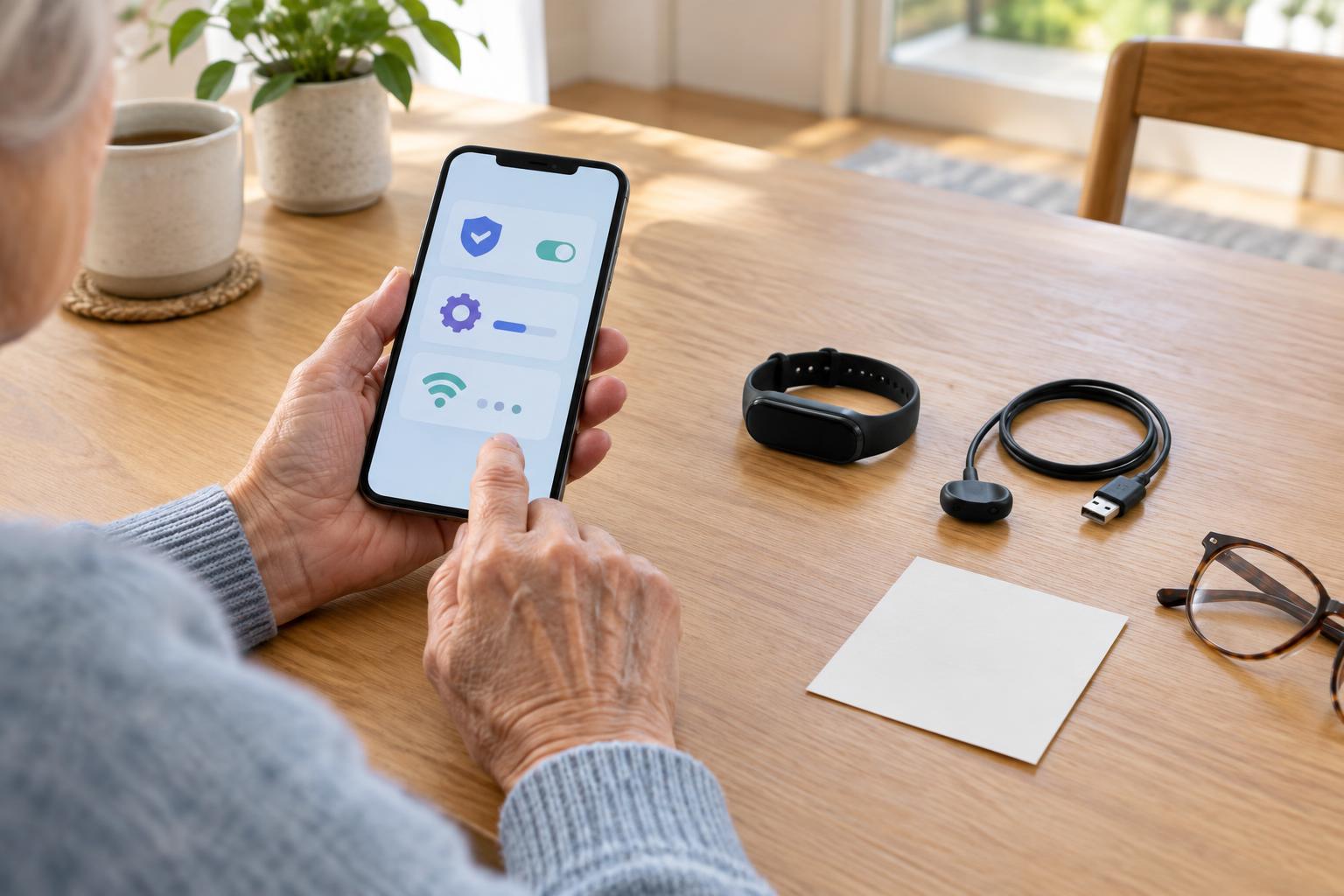
Connected health devices can include home monitors, wearable devices, and accessories that send information to an app or another display. Their upkeep varies: one may charge every night, while another uses replaceable batteries. Before setting a routine, identify the device, its charger or batteries, the app it uses, and where its instructions are kept. The manufacturer’s instructions should guide device-specific steps.
A short written checklist can make routine tasks easier to remember. Include where the device belongs, how to tell whether it has power, how to check its connection, and whom to ask for help. Keep the checklist near the device or somewhere easy to find on a phone. If several people help with the same device, agree on who handles each task so that charging, updates, and connection checks do not depend on guesswork.
Make charging easy to repeat
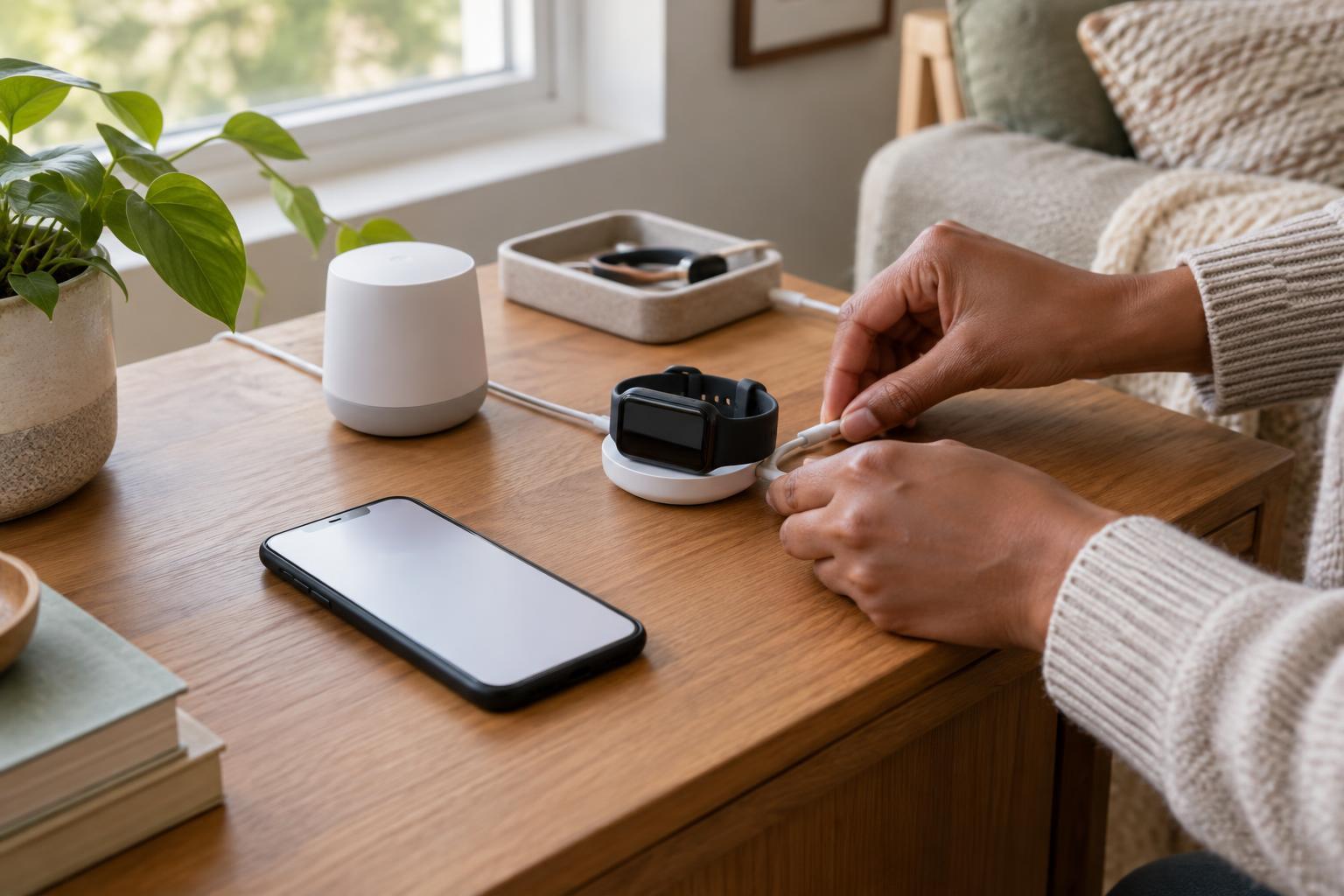
Choose a consistent charging spot with a reachable outlet, a stable surface, and enough light to see the charging indicator. Keep the appropriate cable there, clearly labeled if it could be confused with others. A tray or small container can keep cables and accessories together without placing them where someone might trip. Check the device’s instructions before using a different charger, and avoid making damaged cords part of the routine.
A useful charging reminder is tied to an existing habit, such as putting the device away at the end of the day. For a device needed away from home, check its battery level before leaving rather than assuming it charged overnight. If charging is difficult because of a small connector or an awkward outlet, consider changing the location or asking someone to help arrange a more accessible setup. The aim is a routine that works on an ordinary busy day.
Treat updates as a planned task
Software updates may affect a device, its companion app, or the phone or tablet it connects to. They can change menus, connection behavior, and on-screen prompts. When an update appears, read the notice and the device’s instructions before proceeding. If possible, choose a time when the device is charged and there is time to follow any setup prompts afterward. Avoid starting an update immediately before the device is expected to be used.
After an update, open the app or device screen and confirm that familiar controls and connection indicators still appear. Someone who relies on a consistent interface may benefit from a brief explanation of what changed. Do not guess at unfamiliar settings or reset a device simply to clear a confusing message. If the instructions do not explain what to do, use the support route listed for the product or ask the person responsible for helping manage it.
Check the connection, not just the battery
A powered-on device is not necessarily connected. Bluetooth, Wi-Fi, phone permissions, and account sign-in can all affect whether information reaches an app. Learn what a successful connection looks like for this particular product: it might be an icon, a status message, or a recent sync time. A quick check after charging, travel, a phone change, or an update can reveal a problem before it becomes a surprise.
If the connection appears lost, start with simple observations. Are the device and phone nearby and powered on? Is the phone connected to the expected network? Does the app show a message explaining the problem? Follow the product instructions for reconnecting, and note any error message if you need help. Avoid assuming that missing information means nothing was recorded, or that information visible on one screen has reached another destination.
Keep the routine clear and respectful
A good upkeep plan should fit the people using it. Use readable labels, plain-language reminders, and a storage location that everyone involved can reach. If an alert is easy to miss, consider whether the device offers a different notification option. When helping someone else, explain what you are checking and ask before changing app settings, account access, or notifications. Shared responsibility works best when the person using the device knows what to expect.
Keep account details and device information in a secure place rather than on a visible note beside the charger. It can also help to record the product name and the official support contact listed in its materials. If a device does not behave as expected, the checklist provides a starting point, not a reason to improvise with unfamiliar settings. Regular, small checks make the technology easier to live with while leaving device-specific decisions to its instructions and appropriate support.