Start with the job the folder needs to do
Care paperwork can include appointment letters, contact details, forms, receipts, equipment instructions and notes you want to bring to a conversation. Before choosing a storage method, think about when you need these items. Do you usually look for them at home, on the way to an appointment or while speaking with someone on the phone? Does anyone else need access?
The best system is not necessarily the most elaborate one. It is the one that helps you find the right document without sorting through a pile or searching several devices. Choose a place for incoming paperwork, a place for items you need soon and a way to identify older material. Those three decisions matter whether your folder is made of paper, files on a device or both.
When a paper folder works well
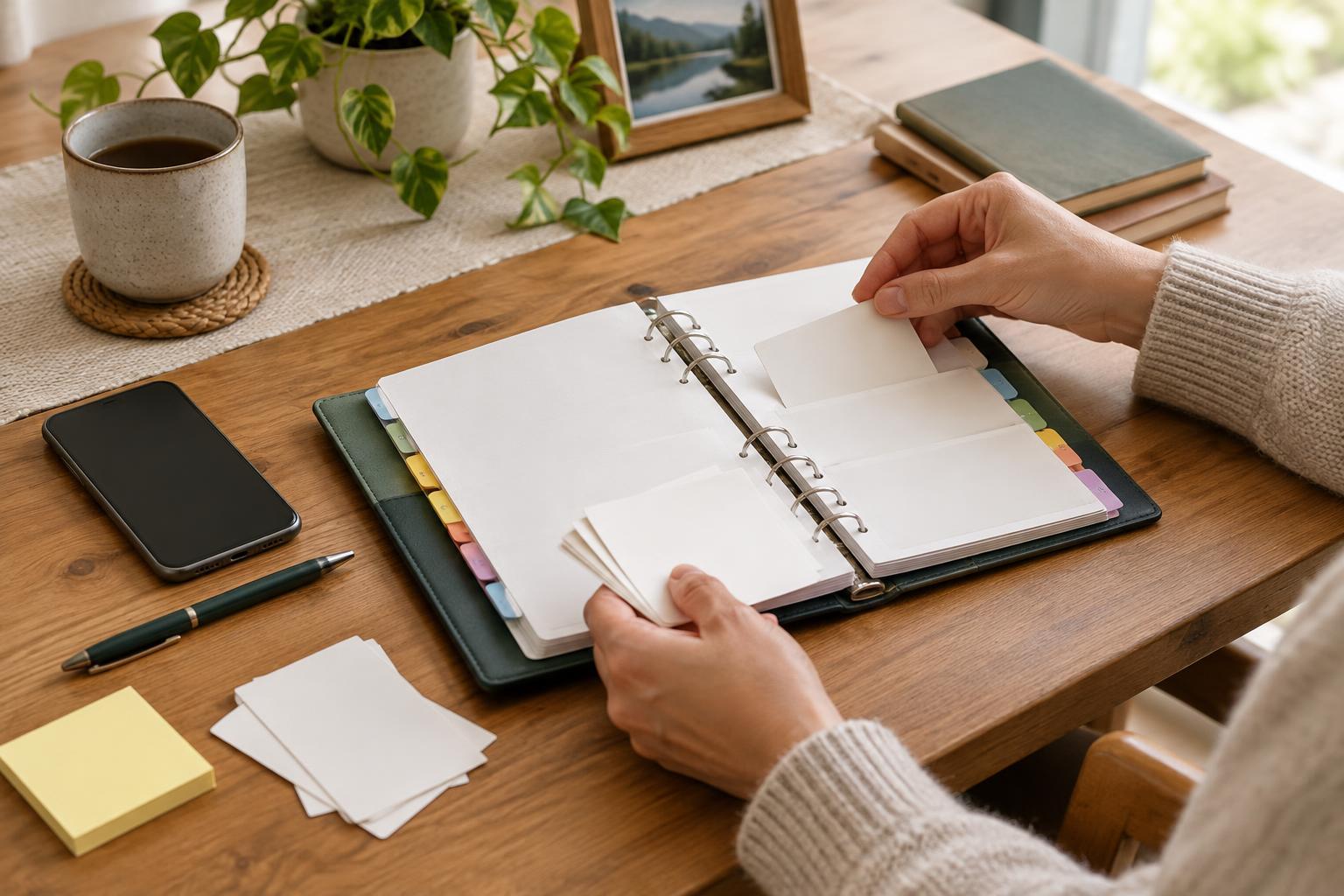
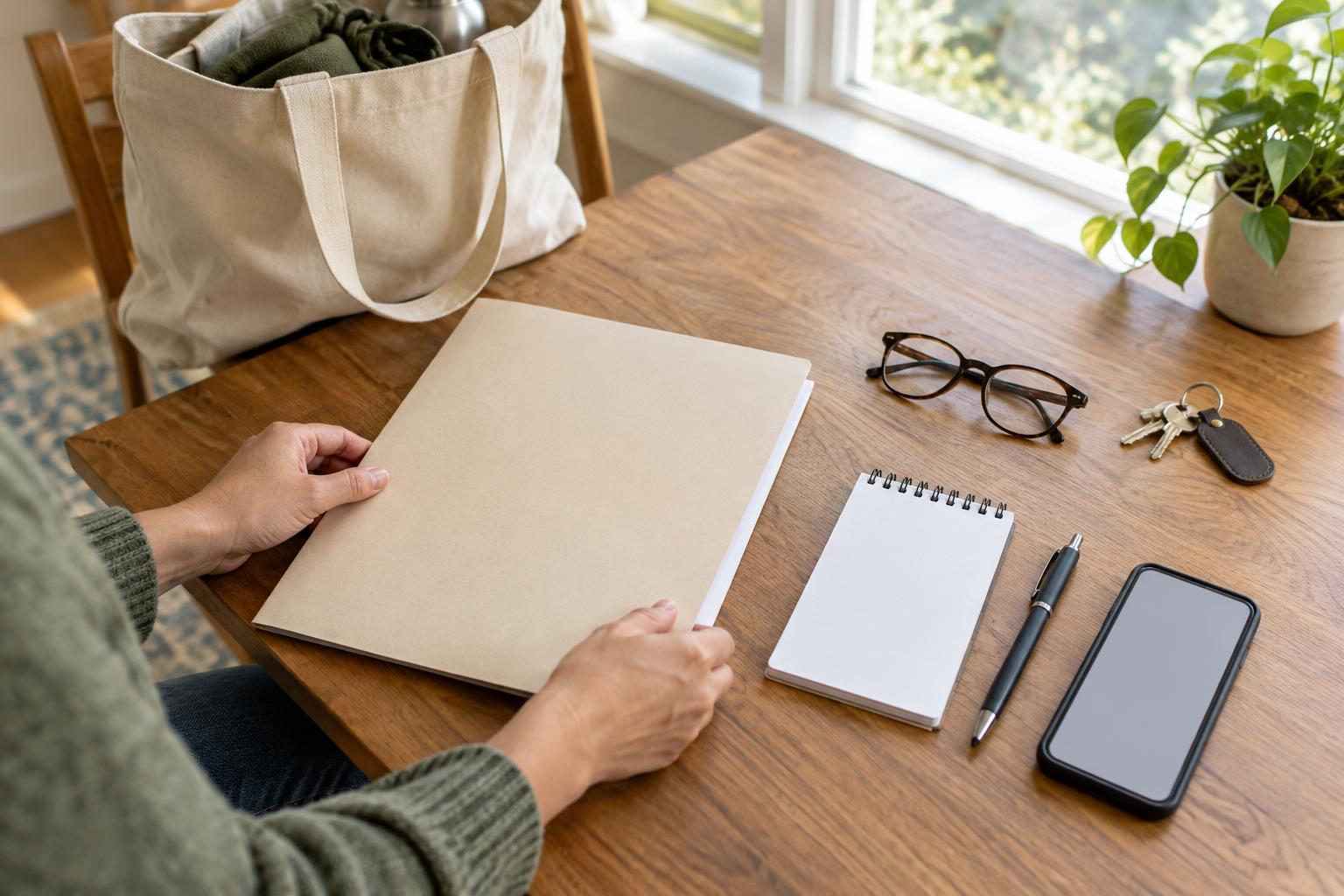
A paper folder is straightforward to browse and does not depend on a charged device, an account or an internet connection. It may suit someone who receives most information by post, prefers to read printed pages or wants to carry a small set of documents to appointments. A binder with labeled dividers can hold larger collections; a slim folder may be easier to take out of the house.
Paper does need physical space, and a single copy can be misplaced or damaged. Start with a few broad sections, such as appointments, contacts, forms and equipment. Put new pages in an “inbox” pocket until you have time to file them. If you carry the folder, take only what you expect to need rather than every document you own. Keep sensitive papers somewhere reasonably secure when they are not in use.
When a digital folder works well
Digital files can be easier to search, duplicate and share when appropriate. They may be useful if paperwork arrives by email or through online accounts, or if you need to refer to it from more than one location. Clear file names do much of the organizing work. For example, “2026-04 appointment letter” is easier to recognize later than “scan001.” Use a consistent naming pattern and a small number of folders rather than building a deep maze of categories.
A digital folder also needs upkeep. A photo of a page may be hard to read if it is blurred, cropped or poorly lit, so check each image before discarding or filing the original. Decide where the main copy lives, whether on a device or in a storage account, and keep a backup if losing the files would cause difficulty. Use device locks and account security features available to you. If another person helps manage the files, agree on how access will be provided instead of relying on shared passwords.
A hybrid system can keep each format’s strengths
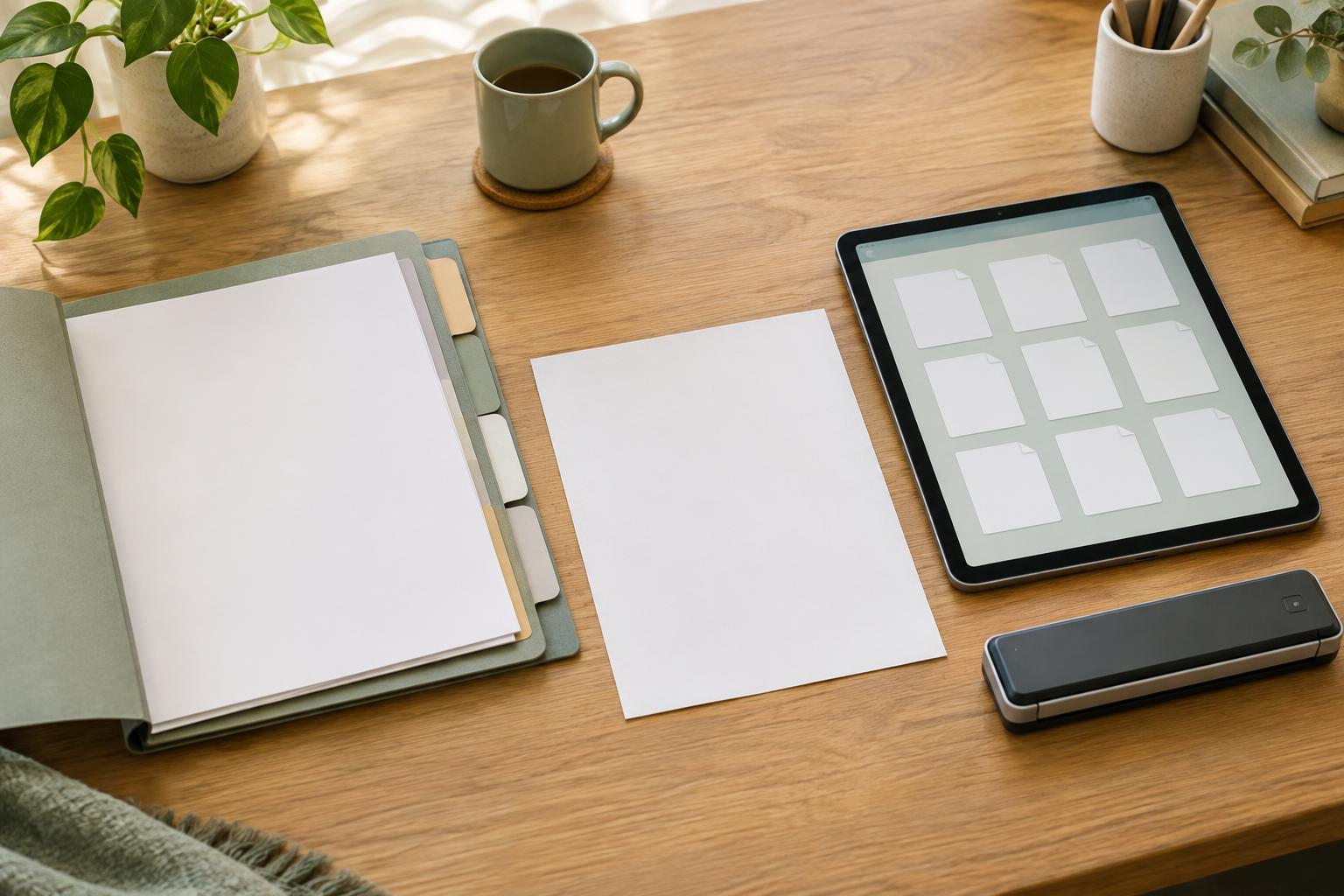
You do not have to convert everything. A practical hybrid system might keep original papers in a home folder while storing readable digital copies of documents you often need away from home. Or it might keep incoming letters on paper and file completed forms digitally. Pick one format as the main record for each type of document so that you know where to look first.
To avoid conflicting versions, mark drafts clearly and remove outdated working copies from the place you use most often. A short index can help: list the folder sections and note which items are on paper, which are digital and where they are stored. Keep that index general if it could be seen by others. The goal is not to duplicate every page; it is to make important information findable without creating extra work.
Build a routine you can keep using
Set aside a regular moment to process new paperwork. Add a descriptive label, place the item in its chosen location and note any action you want to take. A separate “to do” section can prevent an unfinished form from disappearing among completed records. When an item is no longer useful for everyday reference, move it out of the active folder rather than letting it crowd the documents you reach for most.
Think about sharing before it becomes urgent. If someone helps you with appointments or administration, agree which documents they may need, how you will pass them on and how to avoid sending more personal information than necessary. For questions about how long to keep particular records, check the guidance that applies to your situation rather than relying on a single rule for every document.
Try your chosen setup for a few weeks. Notice where papers accumulate, which files are difficult to find and what you actually carry to appointments. Then adjust one part at a time. A modest folder that you understand and maintain is more useful than a perfect filing plan you cannot comfortably use.