Start with the reader’s task
A handout often reaches someone at a busy moment: before an appointment, after a conversation, or while helping another person get organized. Its first job is to make the next useful piece of information easy to find. Before choosing a font or layout, decide what readers need to do with the page. Are they looking for a location, preparing a question, or keeping a set of general instructions for later?
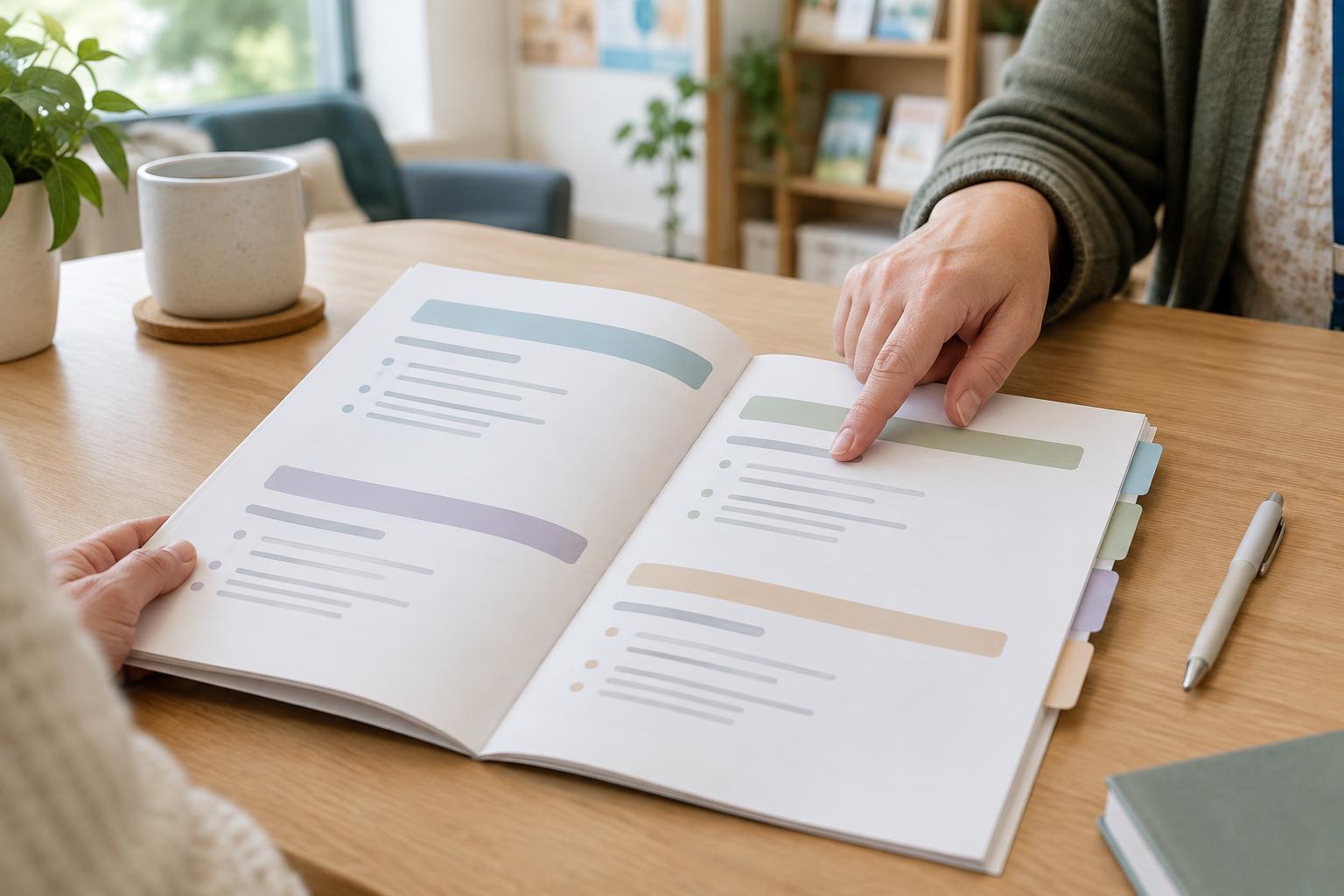
Put the main purpose near the top in everyday language. Group related details under short, specific headings, and place important actions close to the information needed to complete them. If the handout serves several purposes, consider whether two shorter pages would be easier to use than one crowded page. Readability depends on what the words say as well as how they look.
Choose type that stays comfortable
Body text should be large enough to read without effort at the handout’s intended viewing distance. For print, a size around 12 to 14 points can be a useful starting place; some readers will need larger text. For screens, allow text to resize rather than treating one fixed size as suitable for everyone. Font designs vary, so judge the printed or displayed result, not just the number in a design file.
Use a straightforward typeface with clear letter shapes, and keep body text in regular sentence case. Long passages in all capitals or italics can be harder to follow. Strong contrast between text and background helps, but avoid relying on a faint gray simply because it looks understated. Print a sample on the paper and printer likely to be used: thin strokes and pale colors may look different from how they appear on a bright screen.
Give information room to breathe
Spacing helps readers see which ideas belong together. Leave a noticeable gap between sections, a smaller gap between related paragraphs, and enough space between lines that the eye can move reliably to the next one. A dense page may look efficient, but it can make a short handout feel demanding. If space is tight, remove repeated wording before shrinking the type.
Keep lines at a manageable length by using margins or columns that fit the amount of text. Align paragraphs to the left rather than forcing both edges to line up, which can create uneven gaps between words. For forms or preparation sheets, provide enough room for a person to write an answer. Blank space is not wasted when it helps someone read, pause, or add a note.
Make emphasis earn its place
Emphasis works best when it points to a small number of genuinely important items. Use clear headings to signal a new topic and bold text for a short label or essential phrase, such as “What to bring.” If nearly every sentence is bold, highlighted, or boxed, nothing stands out. Avoid using color alone to communicate meaning; pair it with words so the message still works in grayscale or for readers who do not distinguish the colors.
Make the visual order match the information order. A prominent heading should introduce the content directly beneath it, while a warning or reminder should sit beside the detail it concerns. Decorative icons can support recognition, but they should not replace a label. When a handout includes a deadline, contact detail, or other item readers may need to retrieve quickly, give it a predictable place and an explicit heading.
Check the handout in the way it will be used
Review a draft at its actual print size or on a typical screen, not only while zoomed in during editing. Try finding one detail without reading from beginning to end. Then ask someone unfamiliar with the draft to locate that same detail and describe what they think the main purpose is. If they hesitate, the problem may be the wording, the layout, or both.
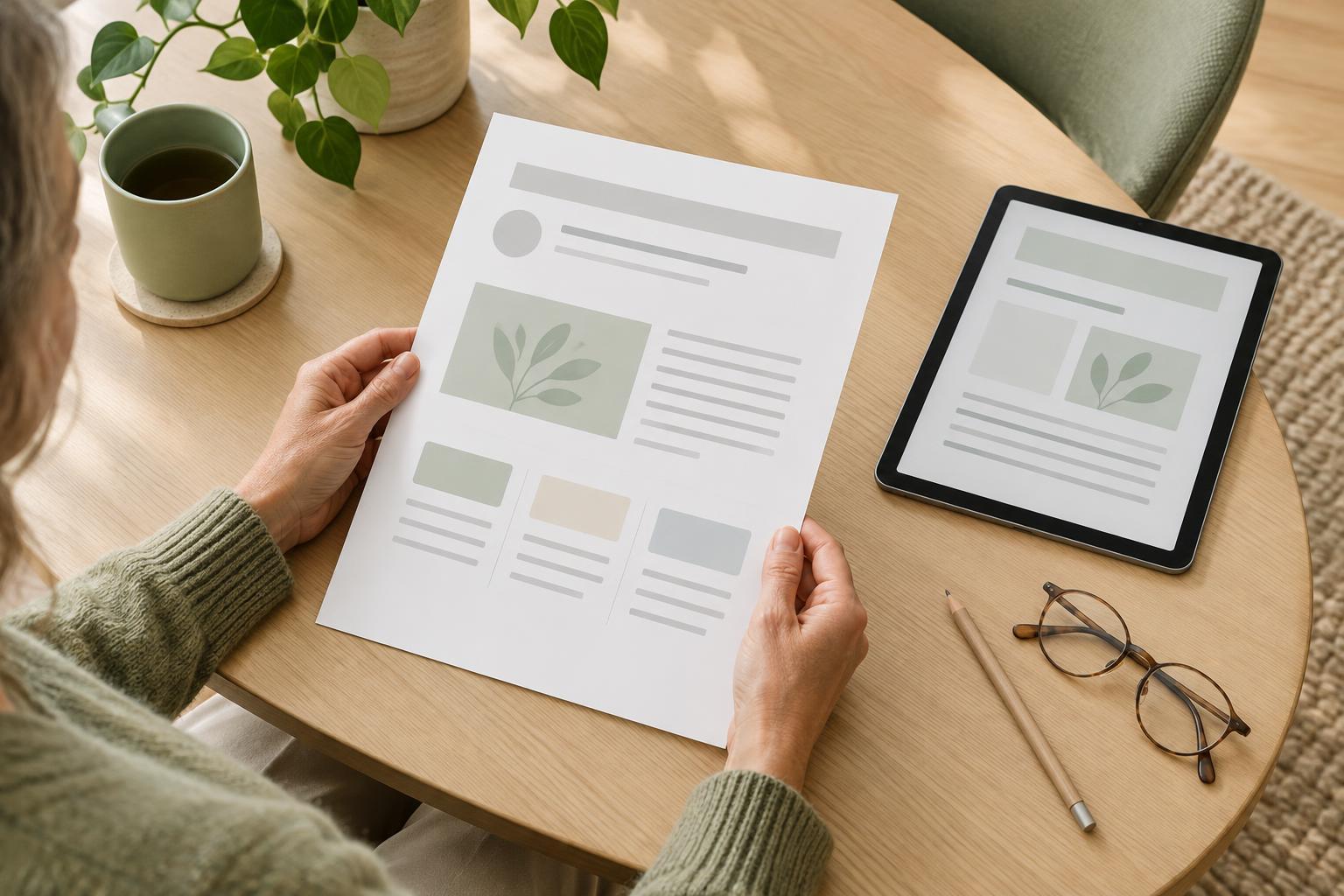
For digital handouts, use real text rather than placing all the words inside an image. Give headings a logical order so readers using assistive technology can navigate the document. Check that text remains usable when enlarged and that links have descriptive names. A readable handout is rarely the result of one perfect type size; it comes from making a series of small choices that help people find, understand, and use the information.