Two ways to make spoken information available
A short video explaining how to find a reception desk, an audio introduction to an appointment process, and a recorded community meeting all rely on sound to convey information. Captions and transcripts make that information available in text, but they are not interchangeable.
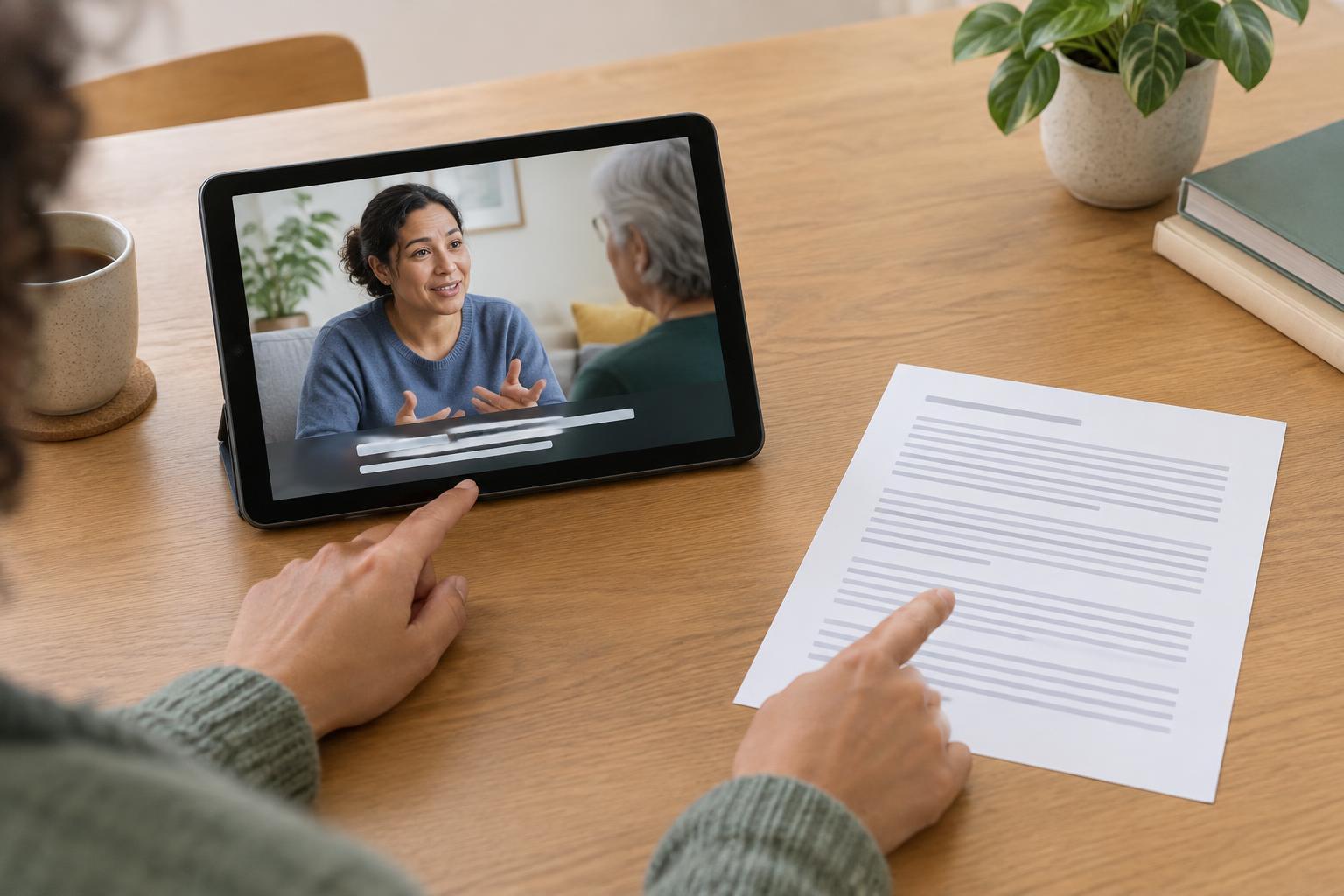
Captions appear alongside a video and follow its timing. They let someone read dialogue while watching the speaker, a demonstration, or directions shown on screen. A transcript is a separate written version of the audio content that can be read without playing the recording. The practical question is not which format is better overall, but how people will need to use the information.
What captions provide
Captions help people follow a video as it unfolds. They are useful when someone cannot hear the audio clearly, prefers to read along, or is watching in a place where sound would be disruptive. Good captions show spoken words in a readable sequence, identify speakers when it is not otherwise clear, and include meaningful non-speech sounds. For example, a caption might note that a doorbell rings if that sound explains why someone changes direction.
Timing matters. If captions appear too early or linger well after a speaker has moved on, viewers must work harder to connect words with actions. Placement also matters: captions should not cover a map label, a product control, or other important visual detail. Automatically generated captions can be a helpful starting point, but names, unfamiliar terms, and overlapping speech may need checking.
Captions do not replace a description of important visual information. If a narrator says, “Press this button,” while pointing to one of several identical controls, the captions reproduce the ambiguity. Clear narration that names the control helps everyone. When essential details are shown but not spoken, an additional description may be needed.
What a transcript provides
A transcript lets someone review information at their own pace. Readers can scan for a particular step, search for a phrase, copy a location name, or return to a section without replaying a recording. This can be especially useful for an explanation of what to bring to an appointment or where to go on arrival. A transcript also gives people with limited bandwidth or difficulty using a media player another way to access the content.
A useful transcript is more than a block of speech pasted into a page. Short paragraphs, descriptive headings, and speaker names can make a longer recording easier to navigate. If the recording contains essential sounds or visual actions, describe them where they matter. A transcript of a wayfinding video, for instance, should not omit a turn shown only by an arrow on screen.
Transcripts need not preserve every hesitation or repeated word when the purpose is to communicate instructions clearly, but edits should not change the meaning. If an exact record is required for a particular purpose, that calls for a different editorial approach. For general educational material, accuracy, clarity, and an obvious connection to the recording are the priorities.
When both formats help
Providing both captions and a transcript gives people more choice. Someone may watch a demonstration with captions to connect the explanation to what is happening, then use the transcript later to check a detail. Another person may read the transcript first to decide whether watching the video is worthwhile. Neither format forces everyone into the same pace or setting.
A simple publishing routine can support both. Start with a clear script or a checked record of the audio. Use it to create timed captions, then format a transcript for reading rather than presenting raw caption lines as a long list. Review each against the finished media: confirm names and directions, check that meaningful sounds are represented, and make sure visually conveyed information has a text equivalent. For live events, captions may help in the moment, while a reviewed transcript can be published afterward if a lasting record is useful.
Place the transcript close to the recording and label the caption option plainly so people do not have to hunt for either. If a recording contains personal or sensitive information, consider what is appropriate to publish before sharing any version. The goal is straightforward: offer the same essential information in forms that work for watching, reading, and returning to it later.